Configure Access Point On D Link Router: A Step-by-Step Guide
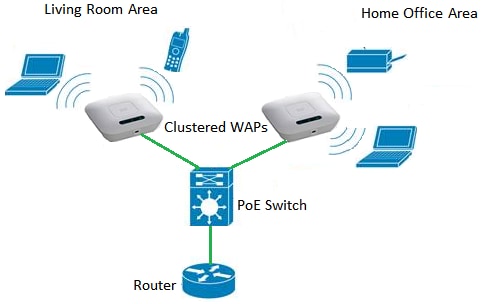
In this tutorial, you'll learn how to configure your D-Link router as an access point to improve your wireless network coverage. An access point is a device used to extend your wireless network signal, allowing more devices to connect to it.
Why Configuring Access Point on D Link Router is Essential
Properly setting up and configuring a D-Link router is essential for establishing a secure and efficient home network. By configuring your D-Link router as an access point, you'll be able to extend your wireless network coverage, improve connectivity, and reduce dead spots in your home or office.
Prerequisites for Configuring Access Point on D Link Router

-
Ensure that your D-Link router supports access point mode. Check your router's documentation or manufacturer's website for more information.
-
Makesureyou have a computer with an Ethernet cable and a web browser to access the router's configuration page.
-
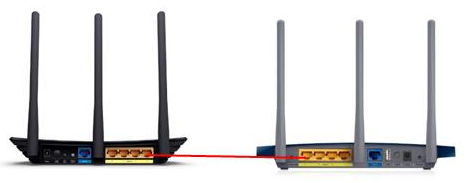
Powers up your D-Link router and connect it to your broadband modem using an Ethernet cable.
Step 1: Connect to the Router's Configuration Page
-
Connect a computer to the D-Link router using an Ethernet cable.
-
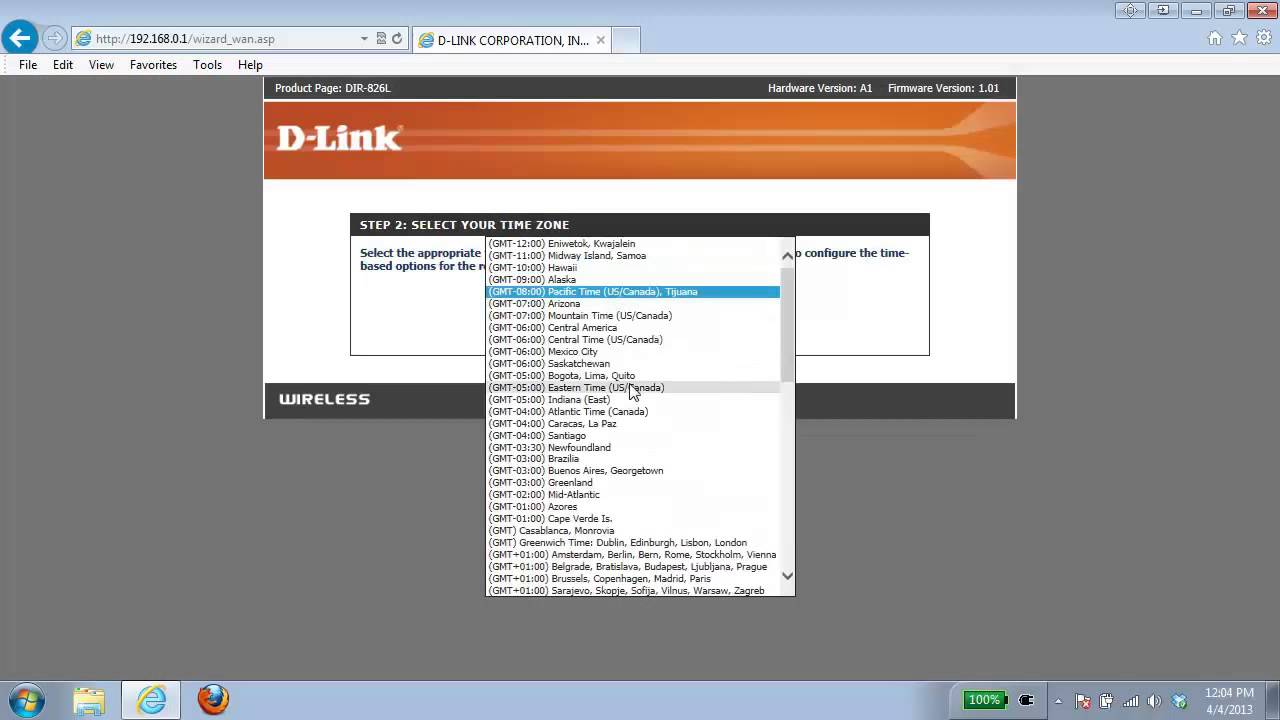
Launch a web browser and type the router's configuration URL (usually 192.168.0.1 or 192.168.1.1) in the address bar.
-
Press Enter to access the router's configuration page.