Step-by-Step Internet Setup at Home Guide
Are you looking to set up internet at home, but not sure where to start? Choosing the right internet service provider (ISP), selecting the right equipment, and setting up your network can be overwhelming. In this comprehensive guide, we'll walk you through the process of setting up your home internet network, from connecting your modem and router to securing your Wi-Fi network.Step 1: Choose Your Internet Service Provider (ISP)
The first step in getting internet access at home is choosing the right ISP. Research different providers in your area to compare their speeds, prices, and plans. Consider factors such as data caps, contract lengths, and customer support. Some popular ISPs include:- AT&T
- Verizon
- Comcast
- Charter Spectrum
Step 2: Select the Right Equipment
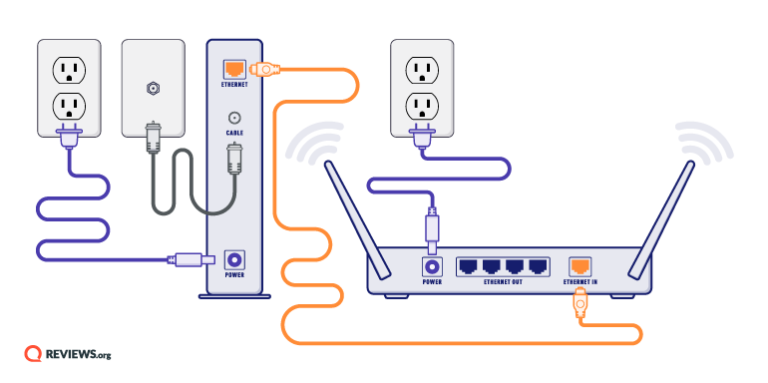
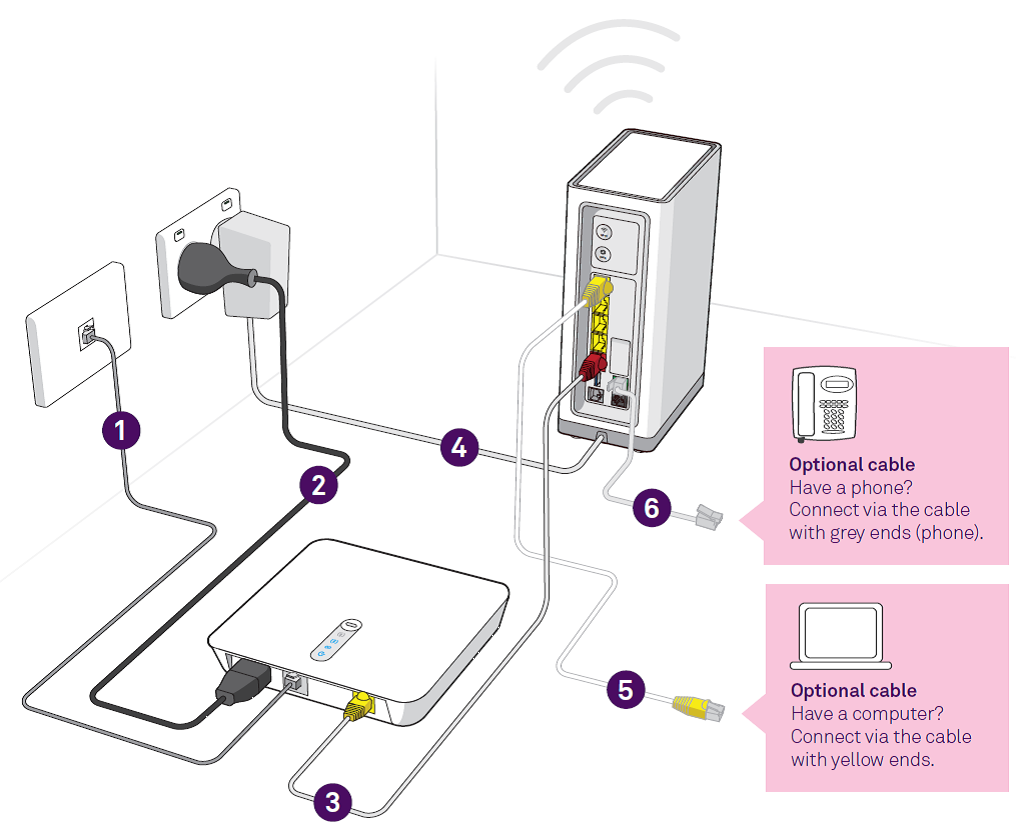
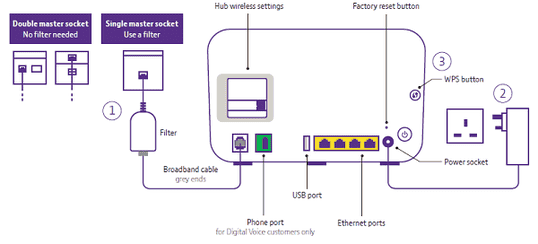
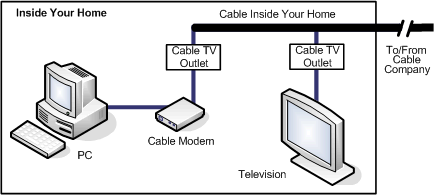
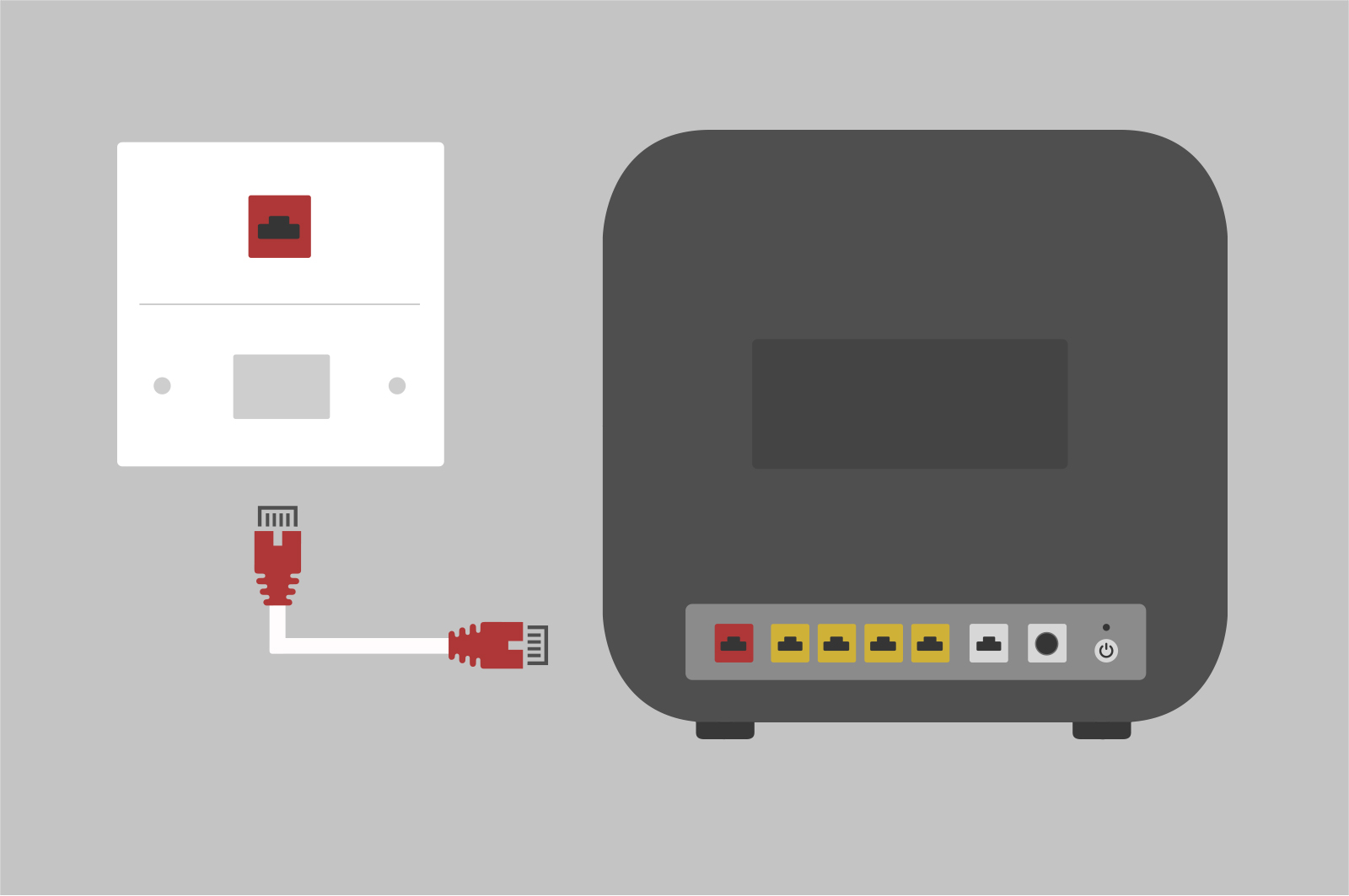
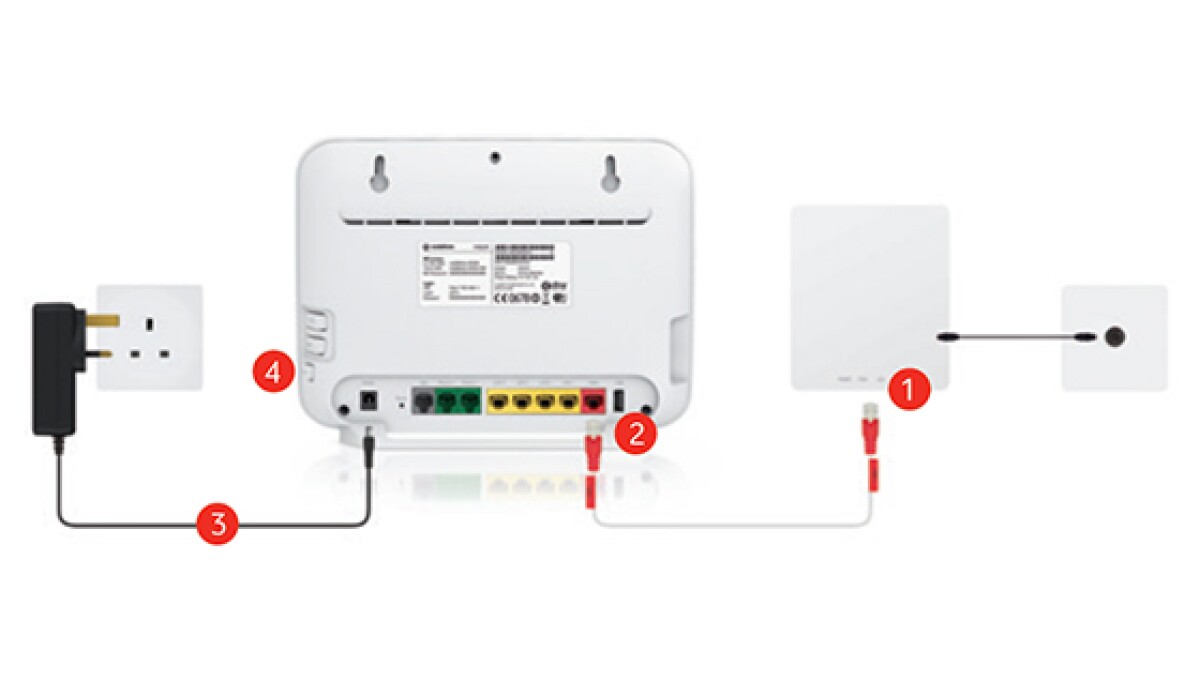
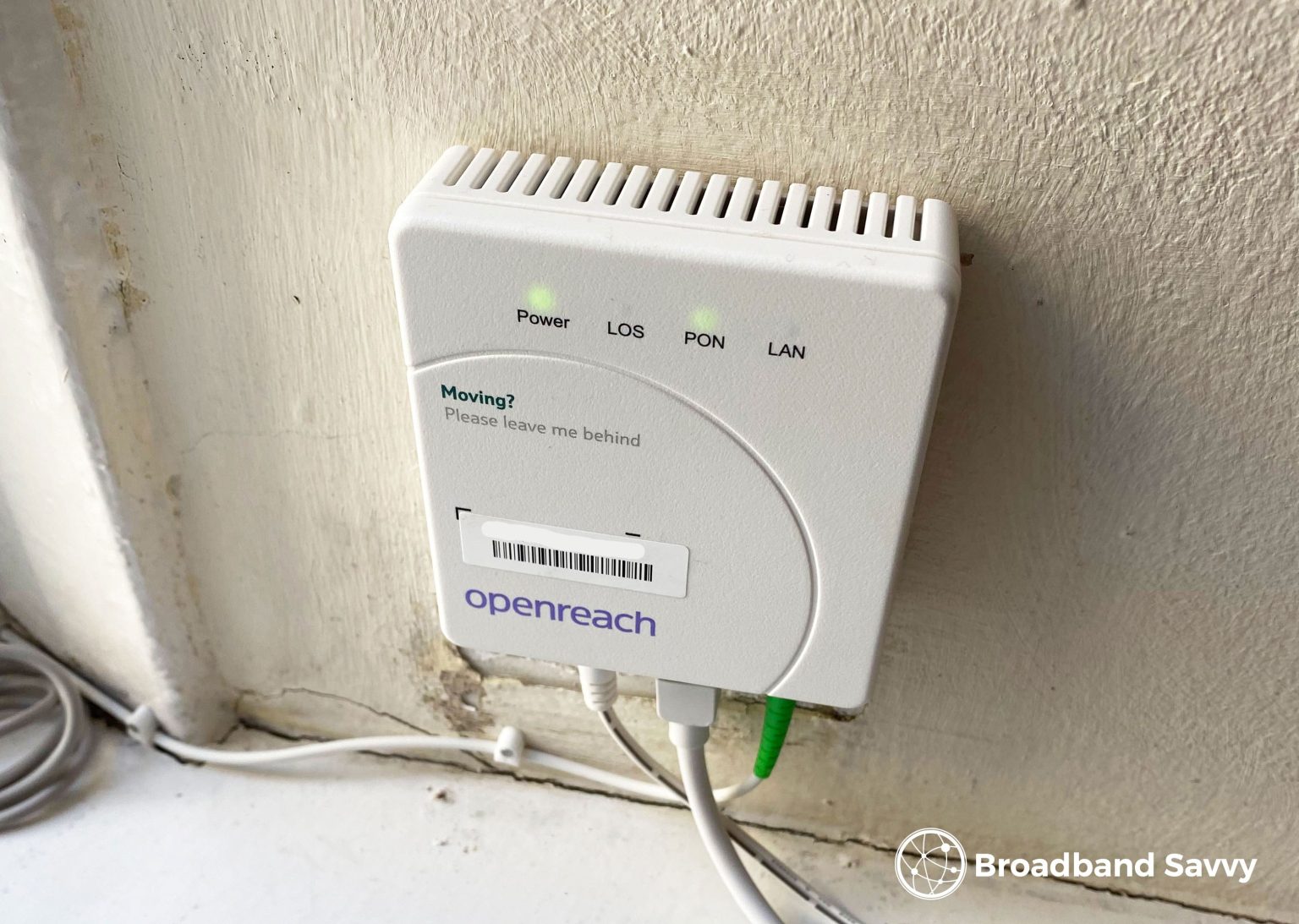
- Modem: converts digital signals into a format that can be used by your devices
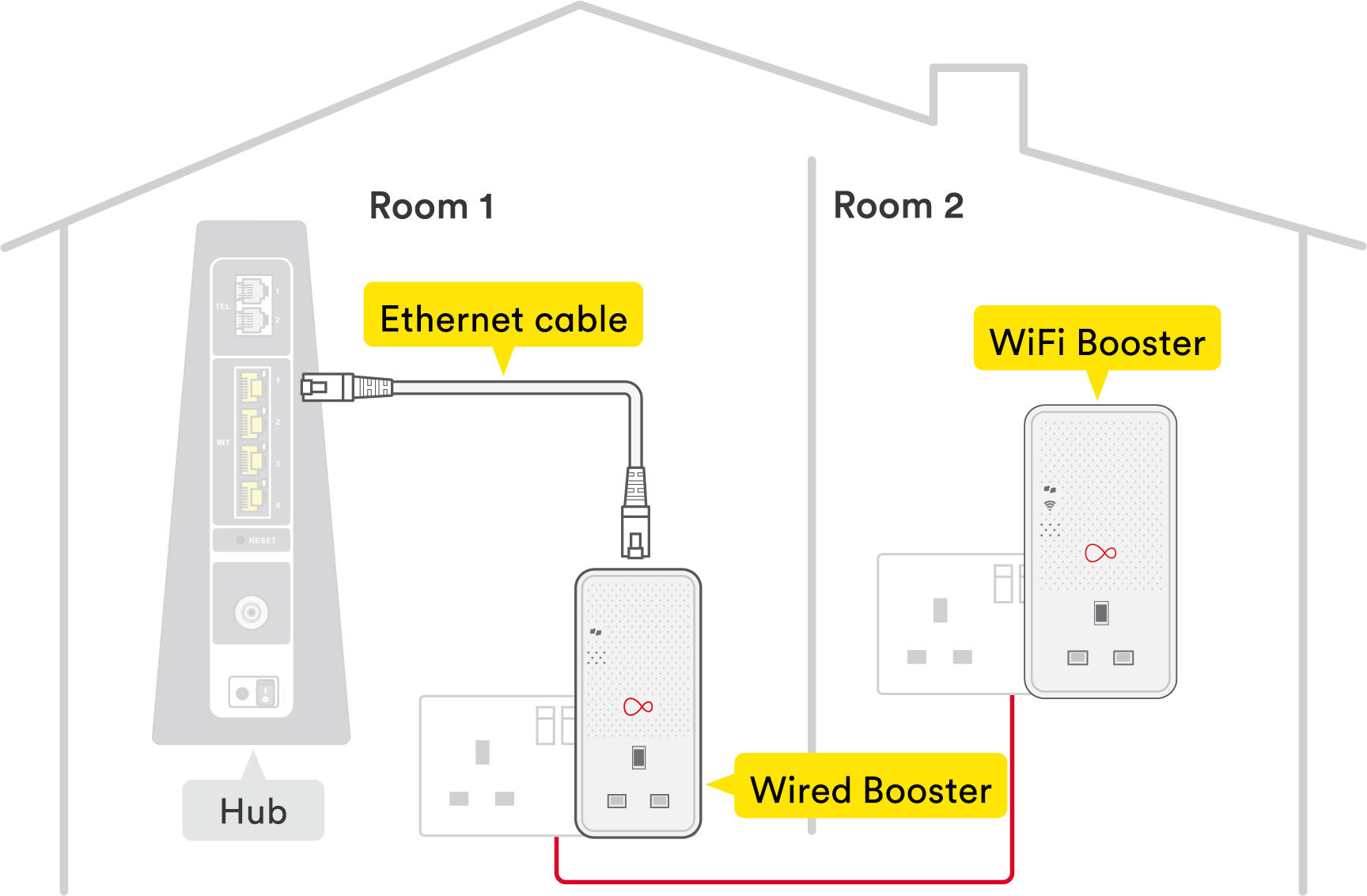
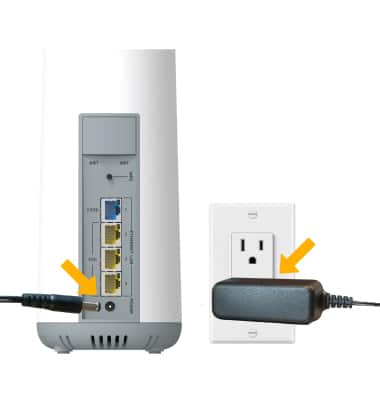
- Router: connects your devices to the internet and also connects multiple devices to each other
- Wi-Fi Access Point (WAP): extends the range of your Wi-Fi network
- Switch: connects multiple devices to your router