Mechanical Keyboard Kit Sound Dampening: The Ultimate Guide
Tired of the loud mechanical keyboard noise that echoes through your workspace? You're not alone. Many keyboard enthusiasts and gamers have been searching for ways to silence their keyboards without sacrificing performance. In this comprehensive guide, we'll delve into the world of mechanical keyboard kit sound dampening, exploring simple DIY mods, pre-silenced options, and top picks to help you achieve a quiet typing experience.
Why Do Mechanical Keyboards Need Sound Dampening?
Me mechanical keyboards are renowned for their tactile feedback and fast actuation, but they can be quite loud. The clacking sound produced by the switches can be distracting and even disrupt your focus. Moreover, loud keyboards can also be a nuisance to those around you, especially in shared workspaces or living rooms. By dampening the sound, you can enjoy a more comfortable and discreet typing experience.

Simple DIY Mods for Sound Dampening
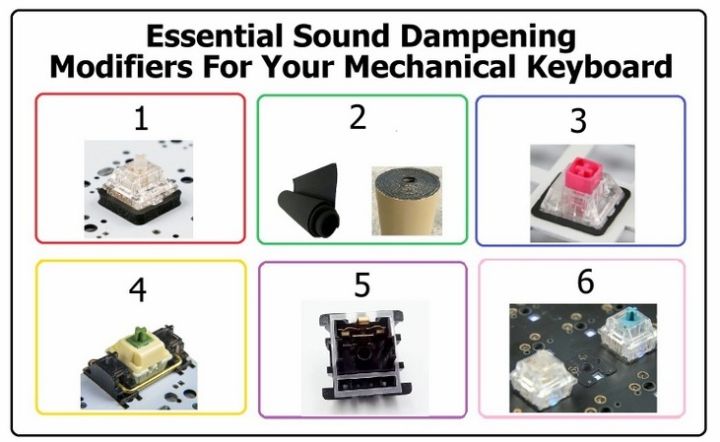
- O-Rings: One of the simplest and most effective DIY sound dampening methods is using O-rings. These silicone rings can be installed between the switch and the keycap to reduce the noise generated by the switch's stem. The transparent design of O-rings also allows your keyboard's LED lighting to shine through.
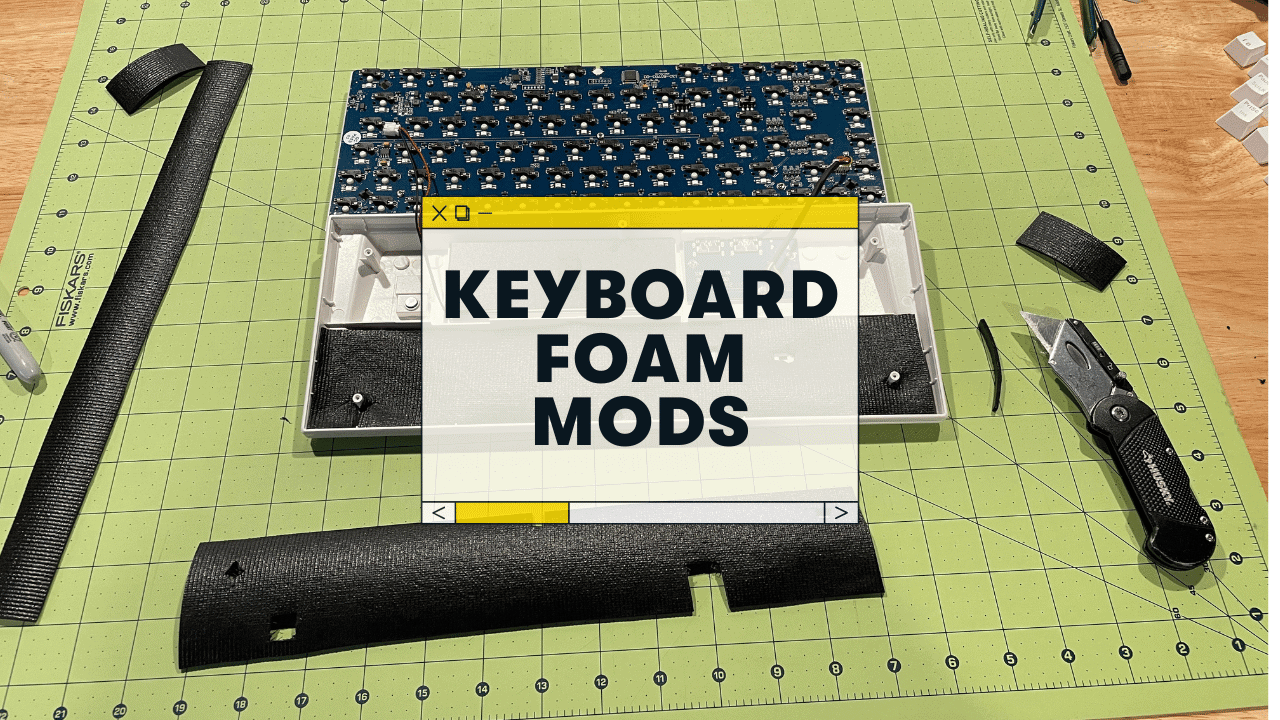
- Keyboard Foam: Another popular DIY sound dampening method is using keyboard foam. These foam sheets can be placed inside the keyboard case to absorb vibrations and eliminate the dreaded "case ping" that plagues stock keyboards.
- Switch Films: Switch films are a type of sound dampening material that can be applied directly to the switch. They come in various materials, such as silicone or TPE, and can significantly reduce the noise produced by the switch.