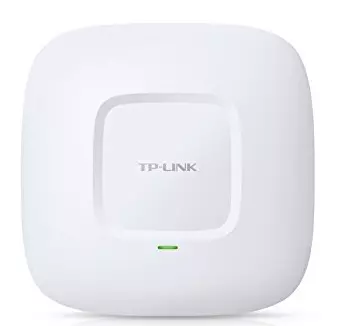
Setup TP-Link Router as Access Point for Retail Businesses
Are you looking to set up a secure and reliable wireless network for your retail business? Using a TP-Link router as an access point is a great way to expand your existing wired network and provide seamless Wi-Fi connectivity to your customers and employees. In this article, we will guide you through the process of setting up a TP-Link router as an access point for retail businesses.
Why Use a TP-Link Router as an Access Point?
TP-Link routers are known for their high performance, security, and ease of use. By setting up your TP-Link router as an access point, you can:
- Extend your existing wired network to provide Wi-Fi coverage to more areas of your business
- Improve the overall security of your network by using a reliable and secure router
- Reduce WiFi dead zones and ensure consistent connectivity for your employees and customers
- Provide high-speed internet access to more devices, such as laptops, smartphones, and tablets
Equipment Needed
To set up a TP-Link router as an access point, you will need the following equipment:

- TP-Link router
- Power source for the router
- Network cable (RJ-45)
Step 1: Identify the Operation Mode
First, you need to check if your TP-Link router has the Operation Mode option on the left side menu. This option allows you to configure the router in Access Point mode. If you're using a newer model, you can check the user manual or online documentation to see if this feature is available.




![Setup TP-Link Router as a Wireless Access Point [2 Methods]](https://static.tp-link.com/resources/UploadFiles/Images/FAQ_78_image002.png "Setup TP-Link Router as a Wireless Access Point [2 Methods]")