Configuring Your G Router for Real-Time Monitoring
In today's digital age, having a reliable and high-performance network is crucial for businesses and individuals alike. However, with the increasing complexity of network configurations, it can be challenging to monitor and troubleshoot issues in real-time. This is where configuring your G router for real-time monitoring comes into play. In this article, we will explore the benefits of real-time monitoring, the tools and technologies involved, and provide a step-by-step guide on how to configure your G router for real-time monitoring.
Why Real-Time Monitoring is Essential
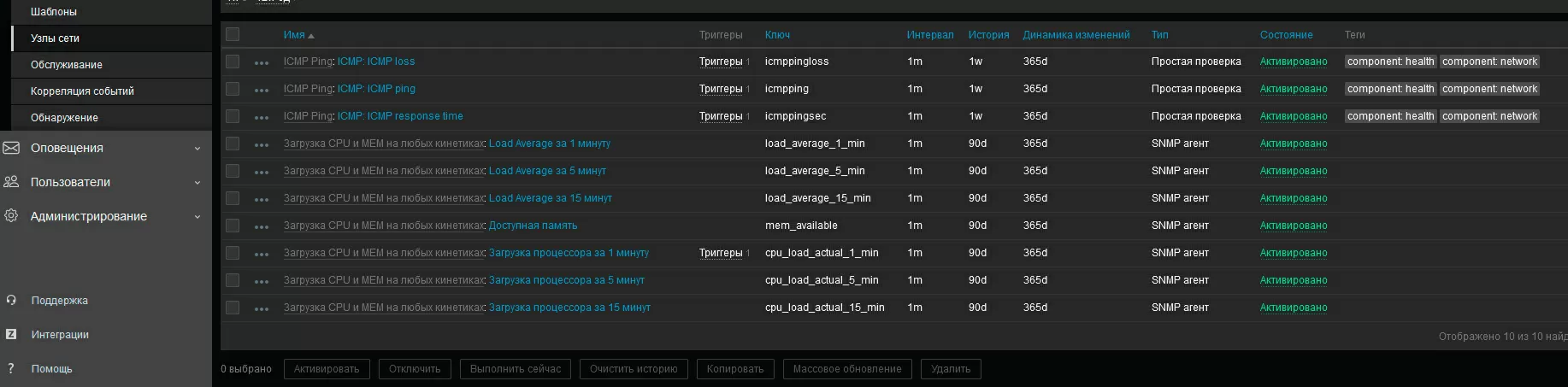
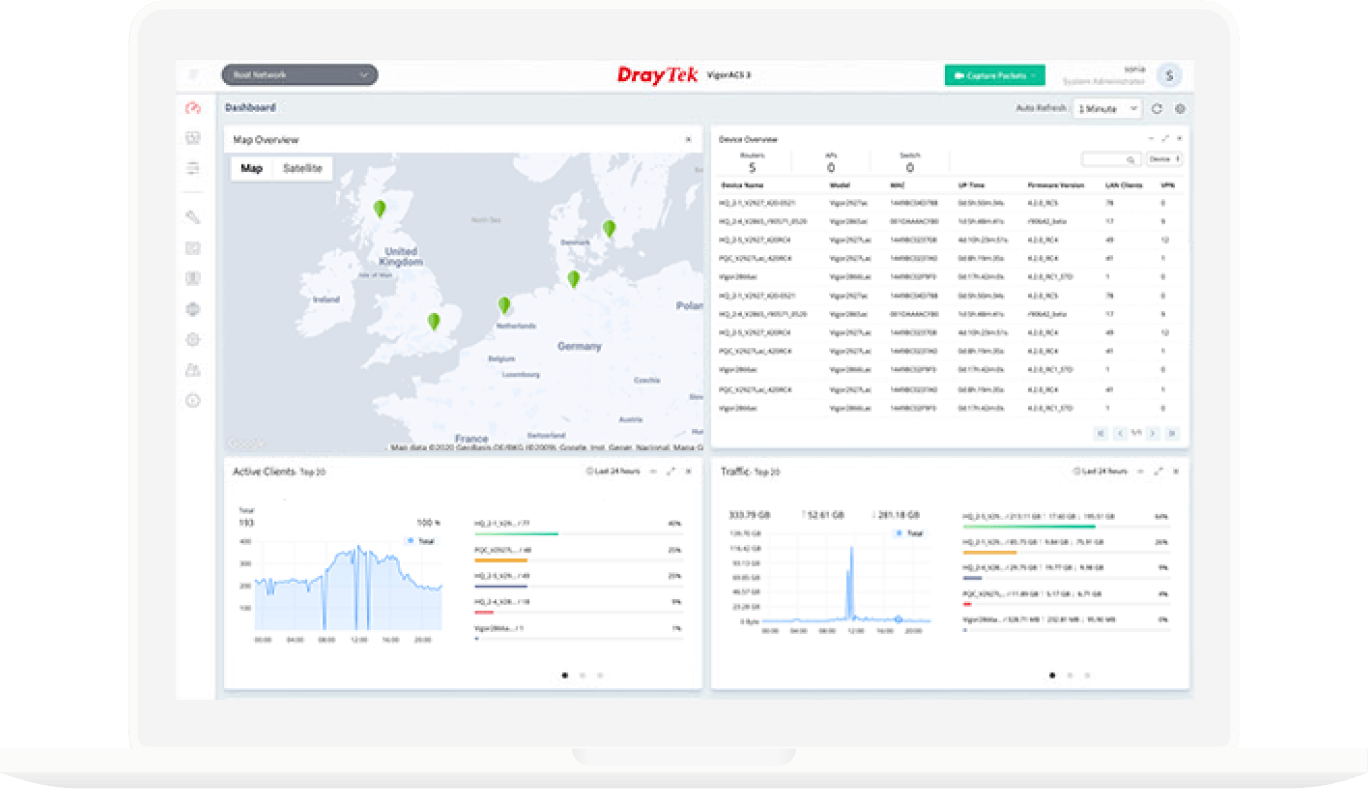
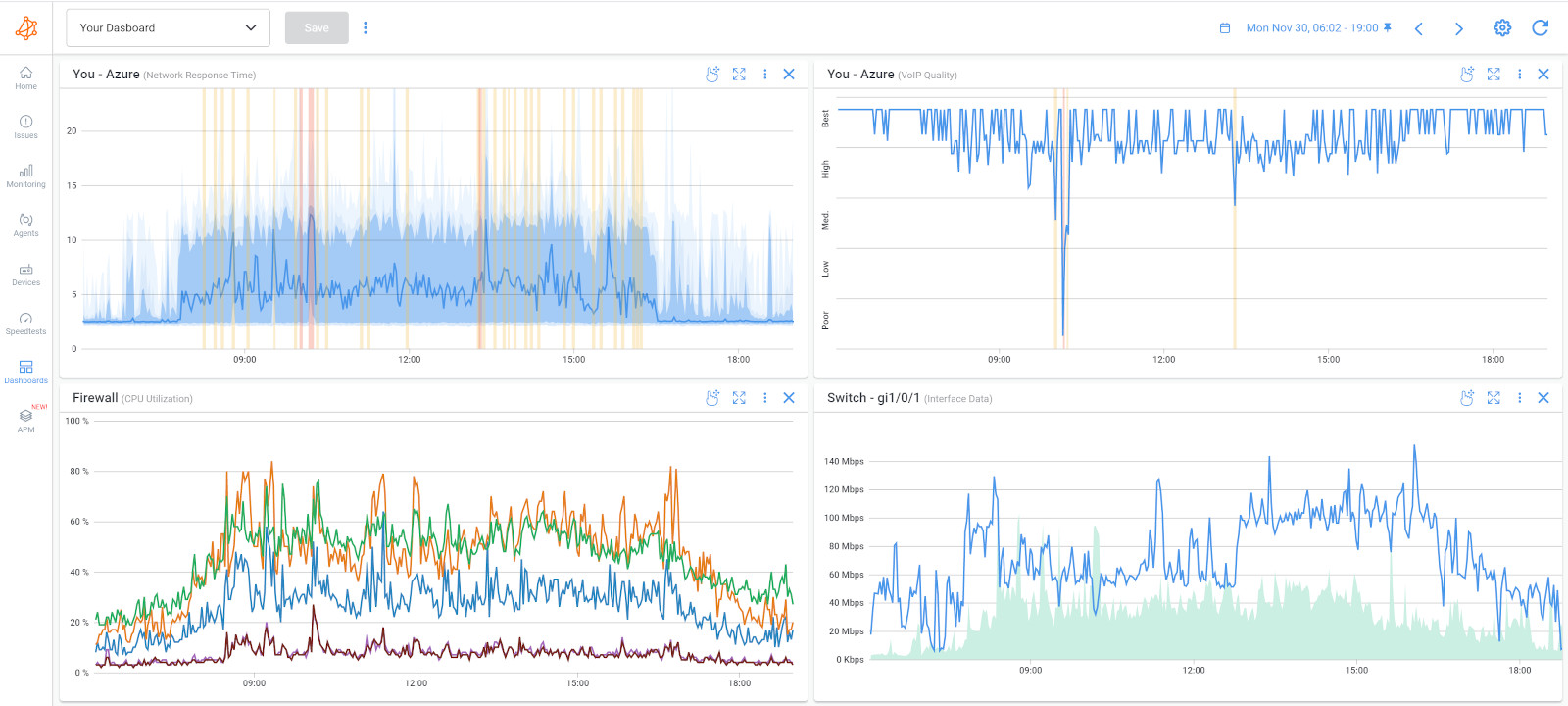
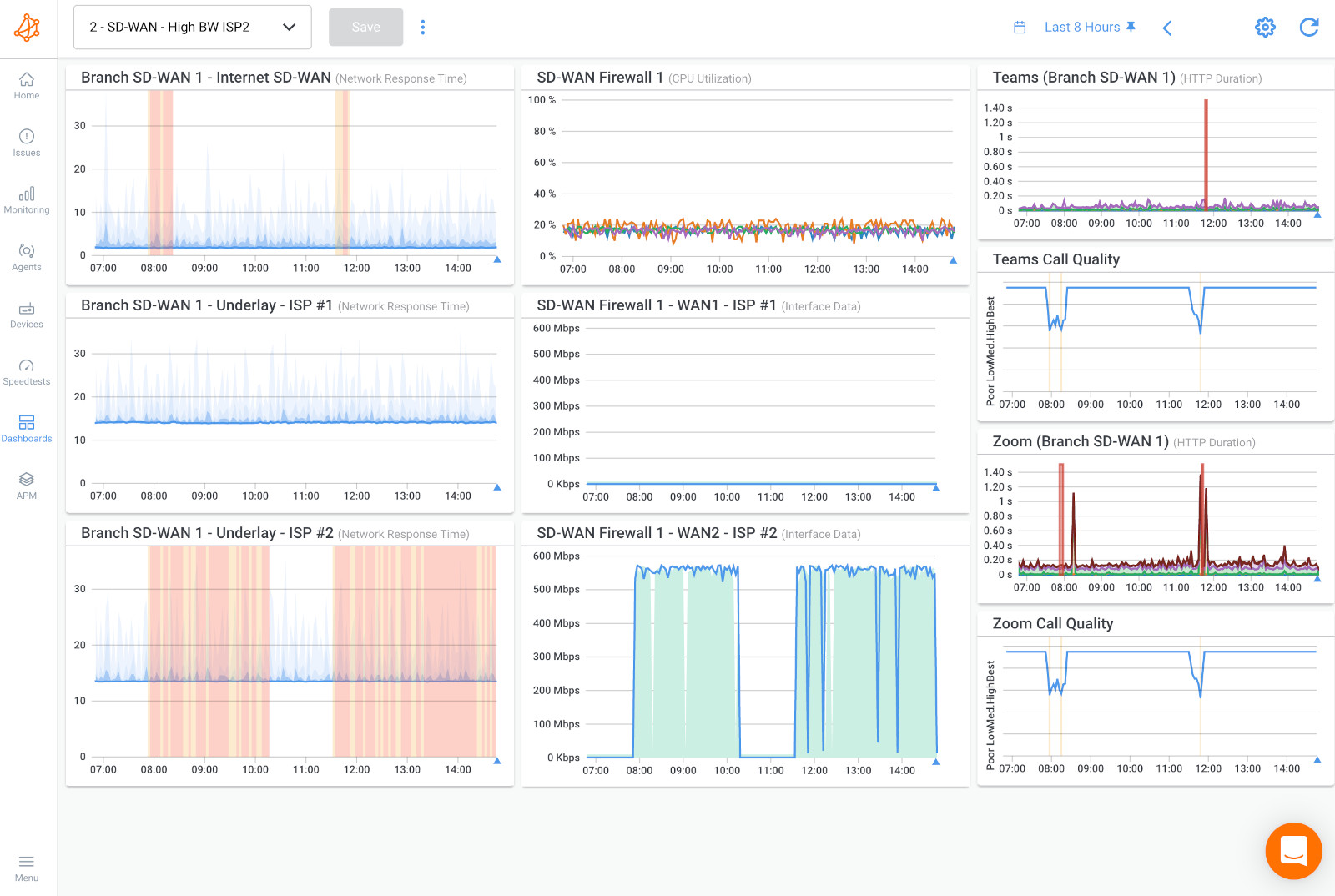
Real-time monitoring is crucial for network administrators as it enables them to identify and resolve issues quickly, reducing downtime and improving overall network performance. With real-time monitoring, you can track key performance indicators (KPIs) such as network traffic, packet loss, and latency, allowing you to make data-driven decisions to optimize your network.

Tools and Technologies Involved
To configure your G router for real-time monitoring, you will need the following tools and technologies:
- Prometheus: An open-source monitoring system that collects metrics from your G router and other network devices.
- Grafana: A visualization platform that allows you to create dashboards to display your monitoring data.
- SNMP (Simple Network Management Protocol): A protocol used to manage and monitor network devices.
- gNMI (gRPC Network Management Interface): A protocol used to manage and monitor network devices.