Connecting PC to Router Through LAN Cable: A Step-by-Step Guide
Have you ever struggled to connect your computer to your router using an Ethernet cable? In this article, we'll walk you through the process of connecting your PC to your router through a LAN cable, ensuring a fast, stable, and secure internet connection.
Why Use an Ethernet Cable?
Using an Ethernet cable to connect your PC to your router offers several benefits, including faster speeds, greater security, and reduced interference from other devices. With an Ethernet cable, you can enjoy a more reliable internet connection, perfect for work-related tasks, online gaming, and streaming.
Equipment Needed

To connect your PC to your router using an Ethernet cable, you'll need the following equipment:
- An Ethernet cable (also known as a LAN or CAT5/6 cable)
- A computer or laptop with an Ethernet port
- A wireless router
- An internet service provider (ISP)
Step 1: Connect the Ethernet Cable to Your Router
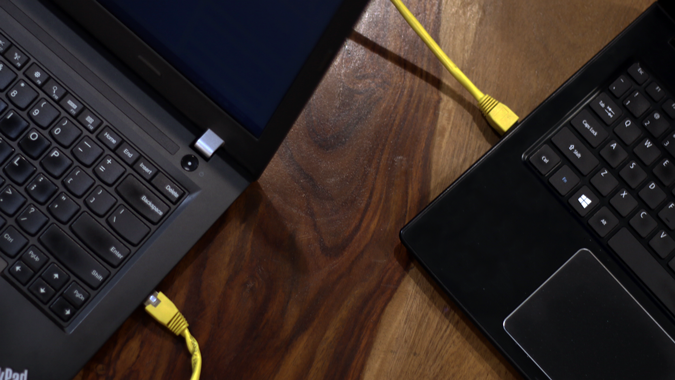
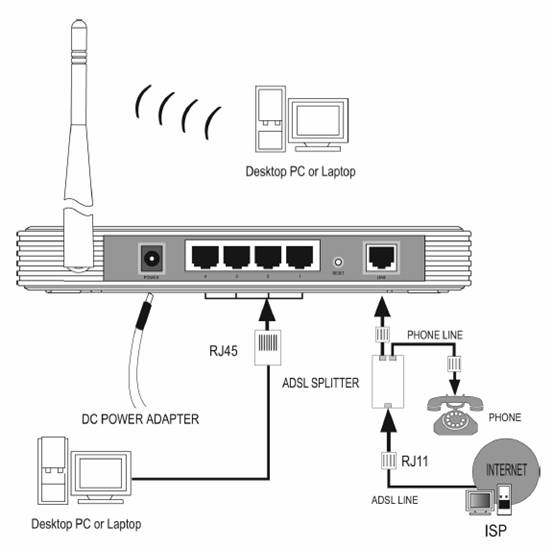
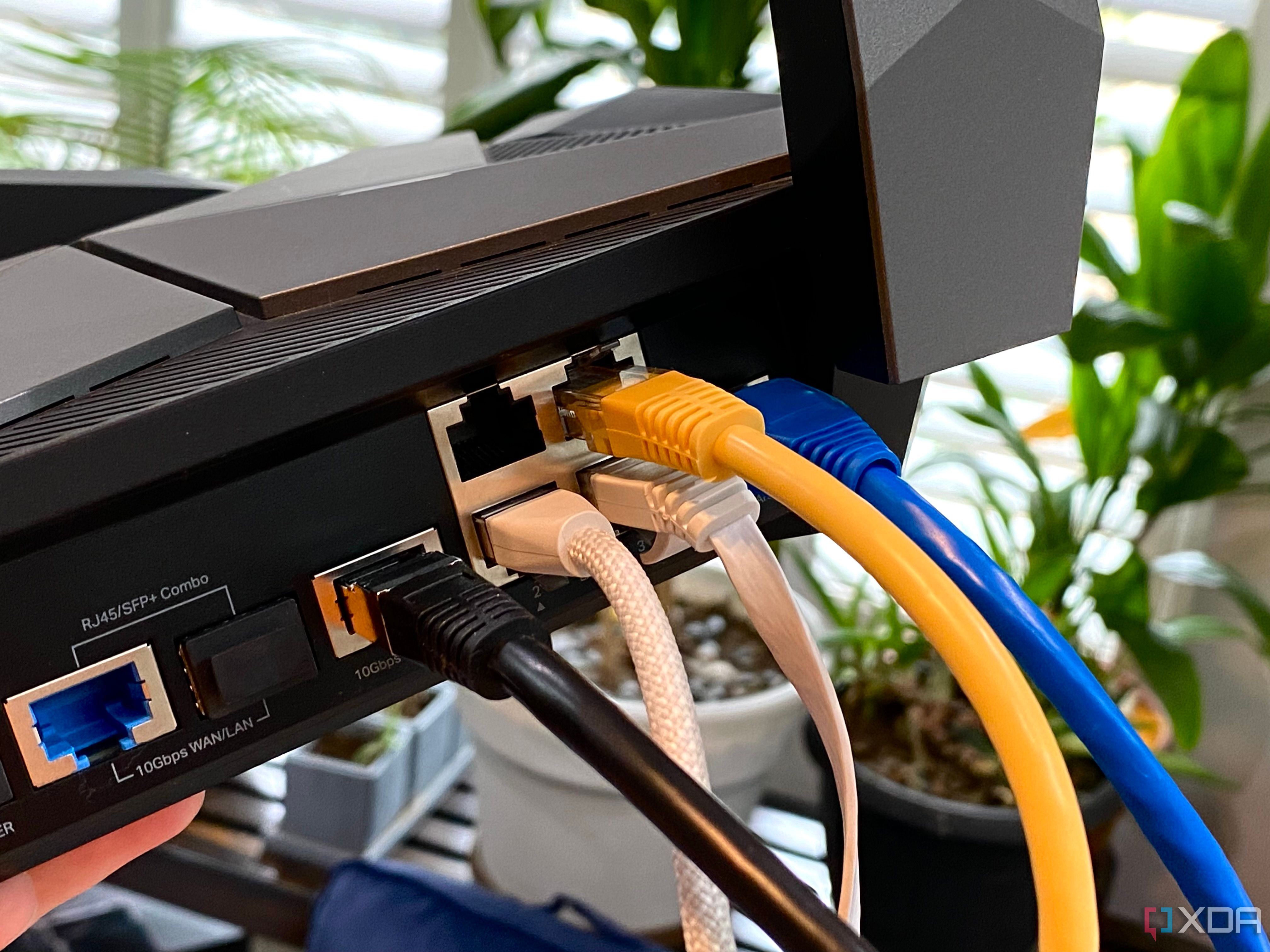
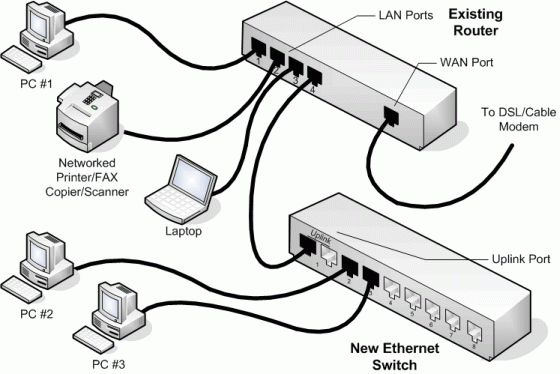
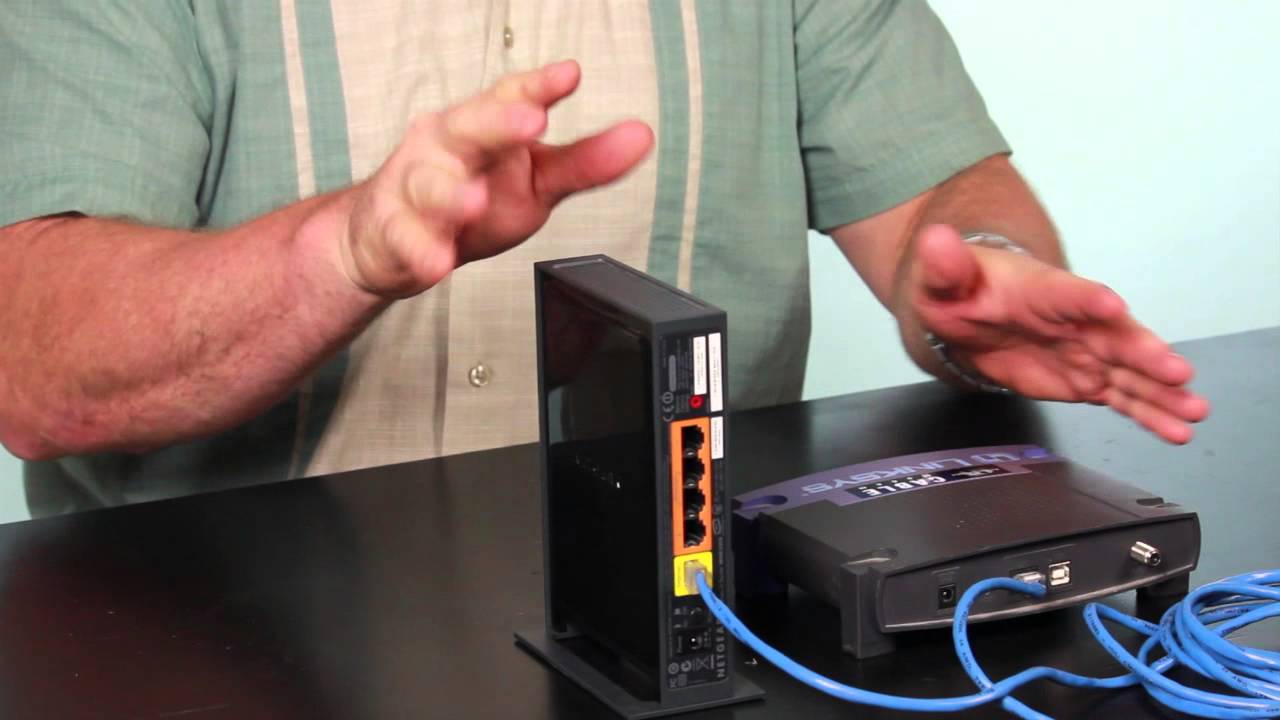
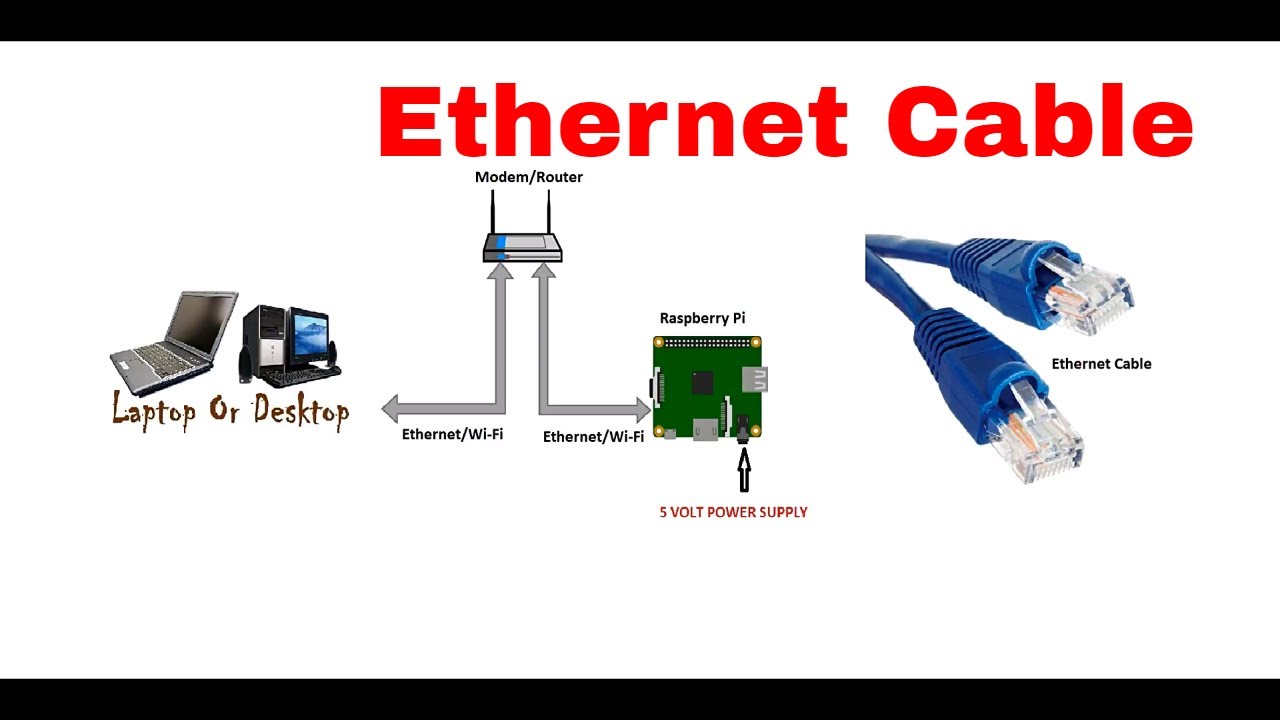
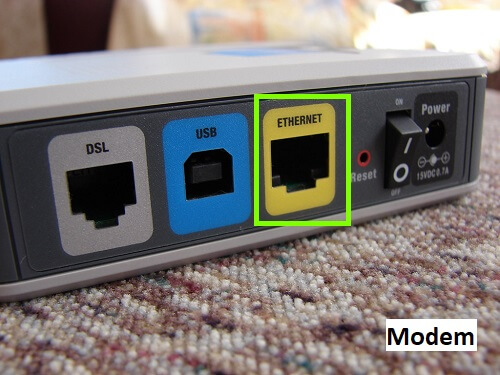
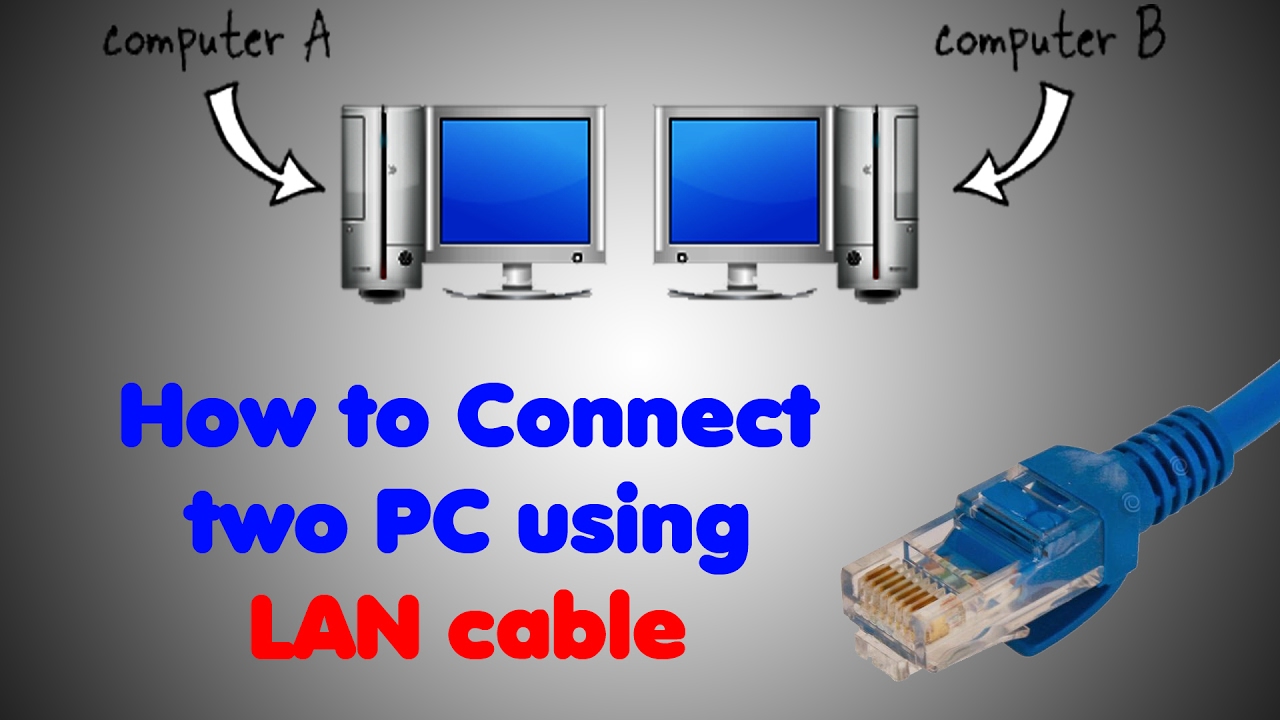
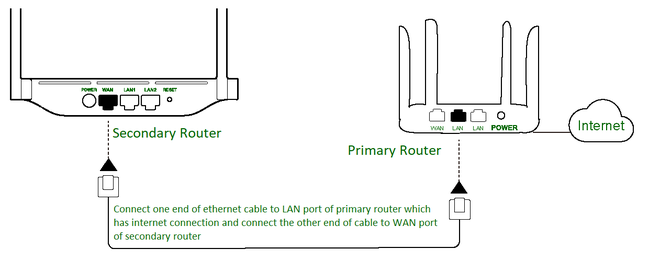
Start by connecting one end of the Ethernet cable to one of the LAN ports on your router. Make sure to use a straight-through cable, as crossover cables are typically used for connecting two devices of the same type (e.g., switch to switch or router to router).








:max_bytes(150000):strip_icc()/laptopethernet-5c881b7375b04c7da3ecbbc0b92740f7.jpg "straight through cable or crossover cable between router and pc?")