TikTok Merchant User Manual: A Comprehensive Guide to Selling on TikTok
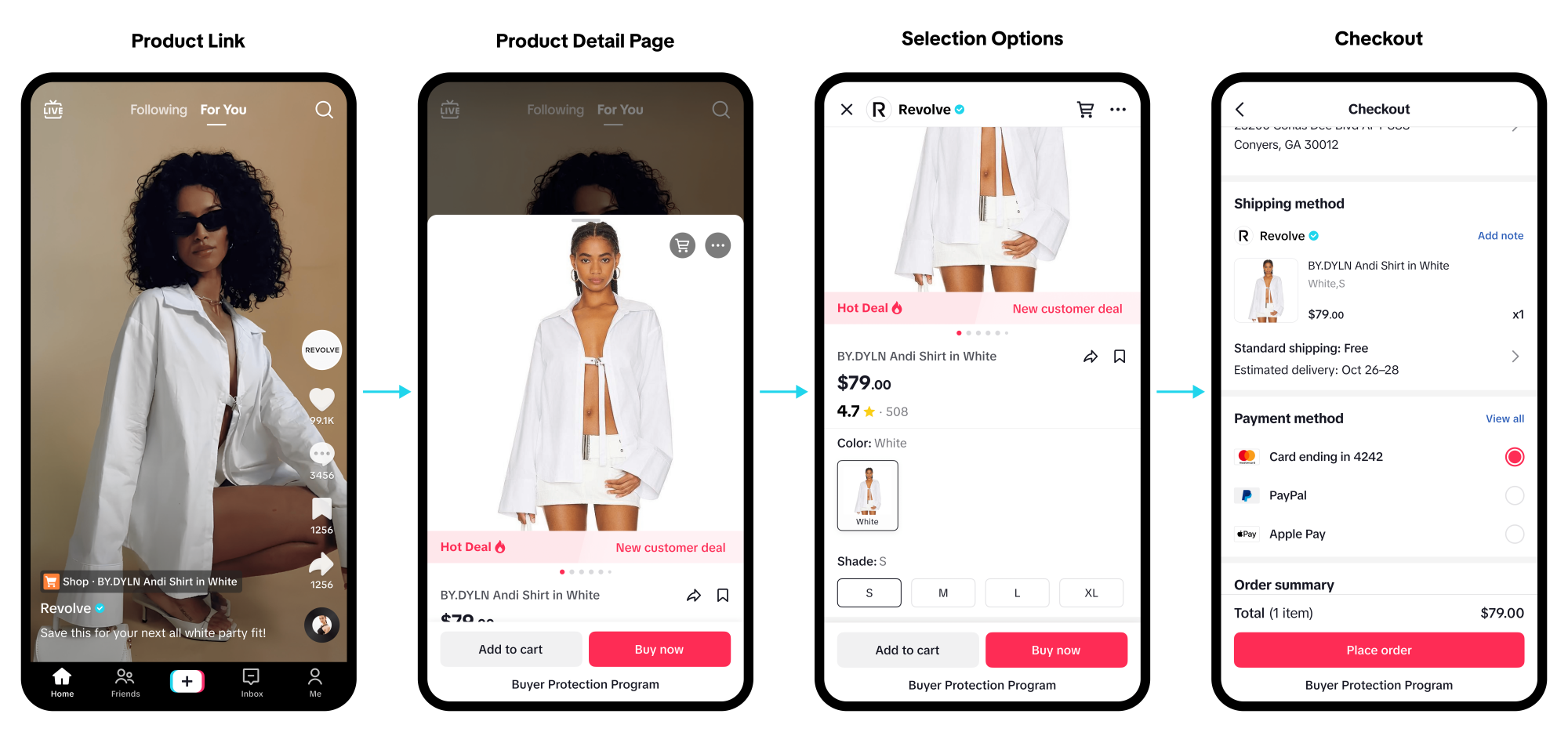
TikTok has revolutionized the way businesses connect with their target audience, and with the introduction of TikTok Shop, merchants can now sell their products directly to millions of users on the platform. In this comprehensive user manual, we'll walk you through the process of setting up and navigating your TikTok Shop, as well as providing tips and strategies for growing your business.
Getting Started with TikTok Shop
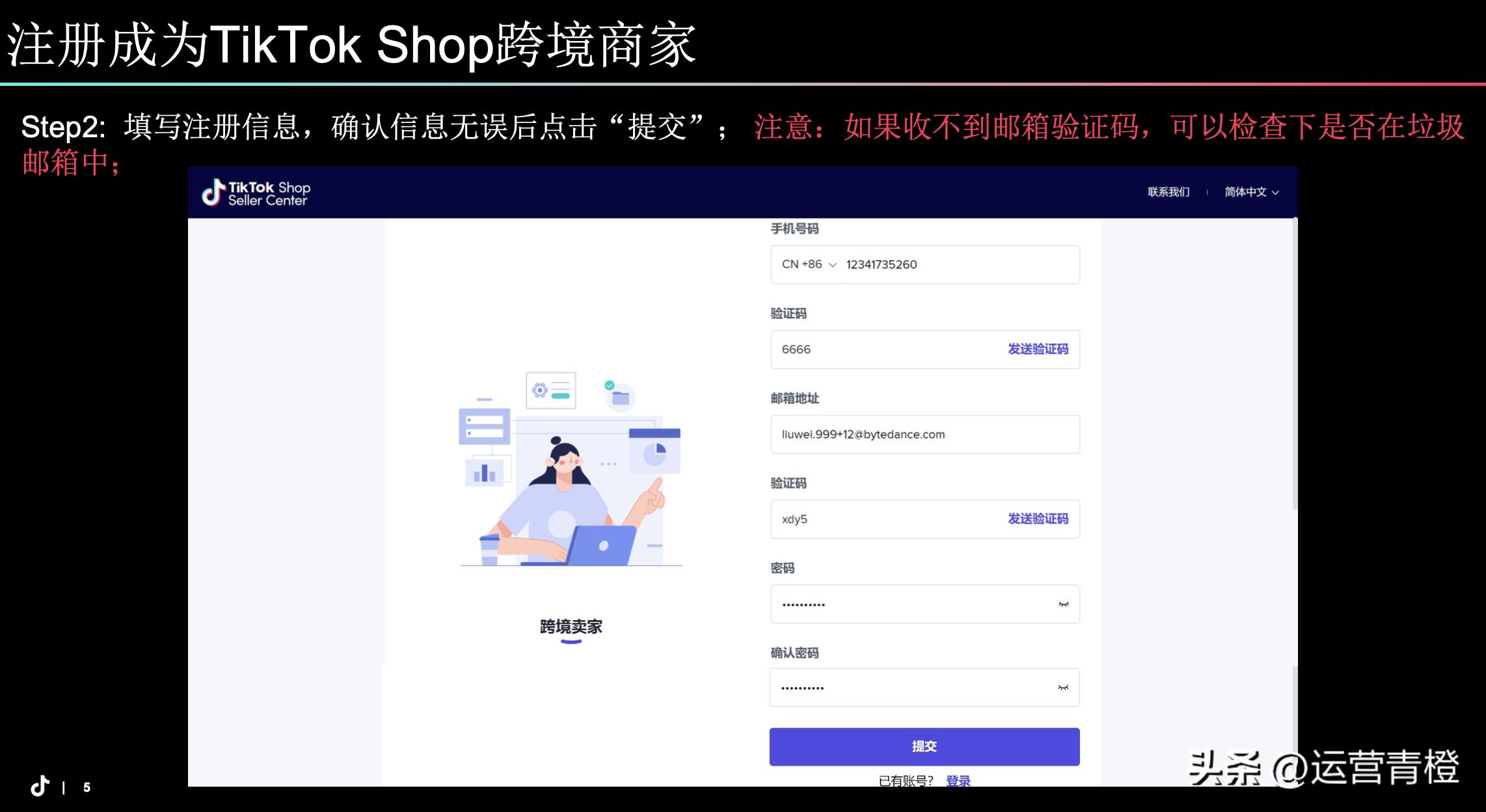
To access TikTok Shop, you'll need to create a shop on Seller Center, submit the required business documents for verification, and bind your bank account. This may seem like a lengthy process, but trust us, it's worth it. With TikTok Shop, you'll be able to turn your content into conversions and reach a vast audience of potential customers.
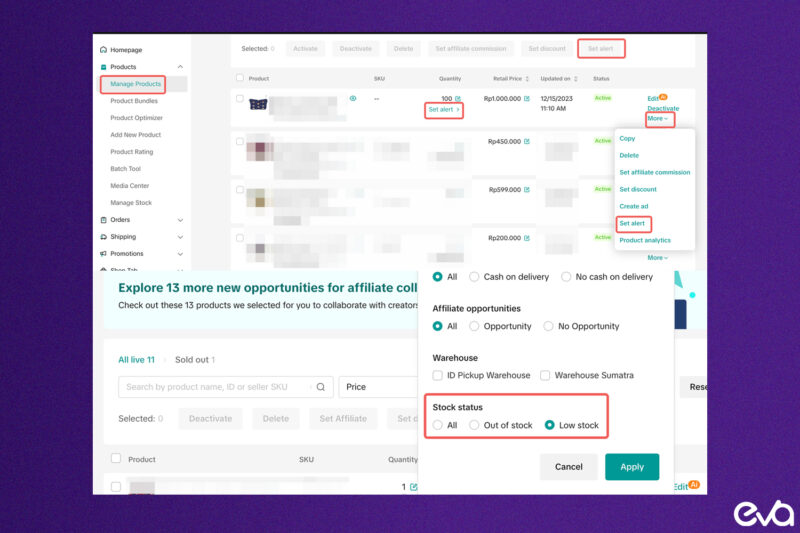
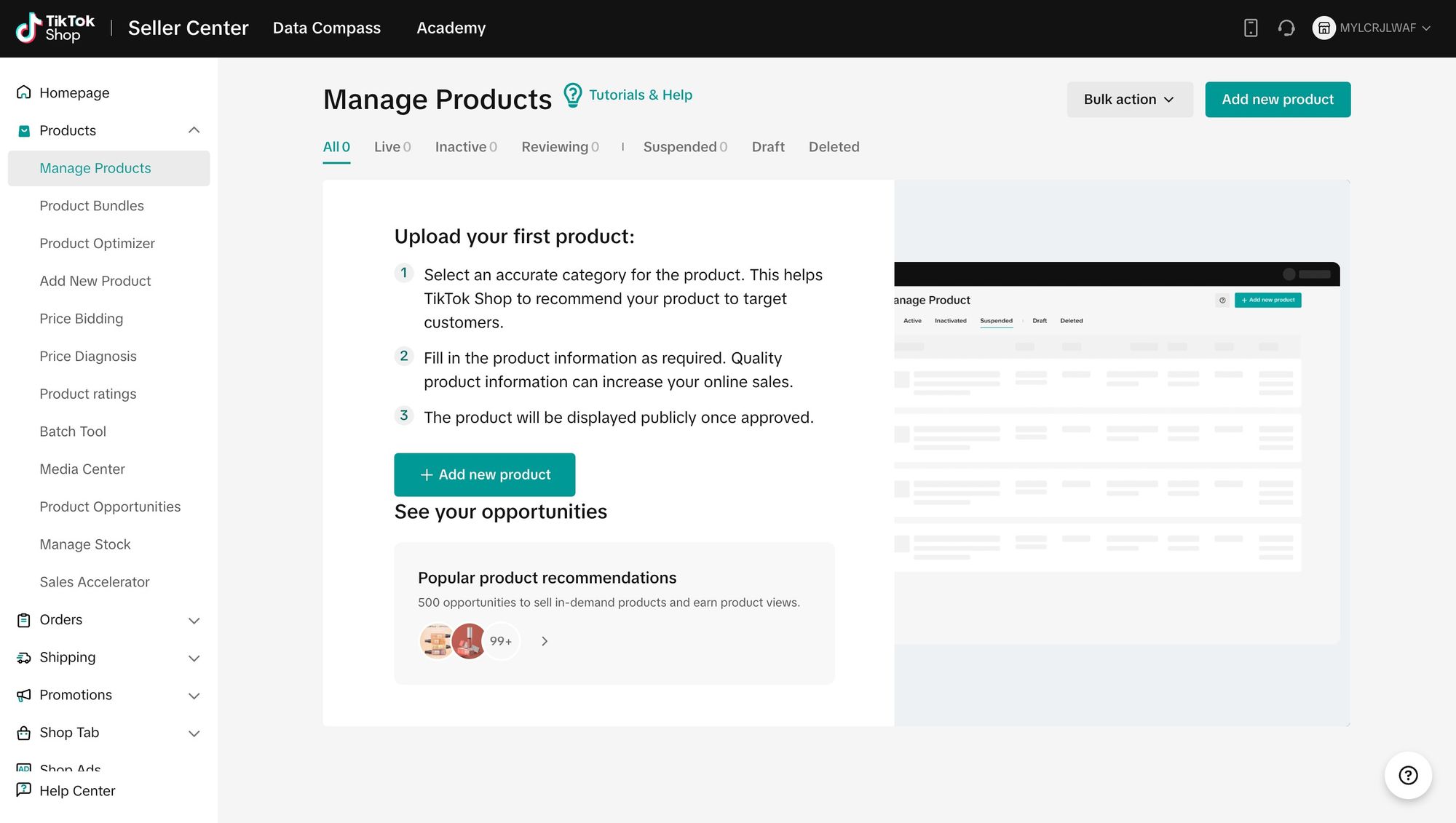
Once you've completed the setup process, you'll be able to access your TikTok Shop dashboard, where you'll be able to manage your products, orders, and analytics. From here, you can also navigate to your TikTok Ads account, which is an essential tool for driving traffic to your shop and increasing sales.
Understanding TikTok Shop's Shipping and Fulfillment Options
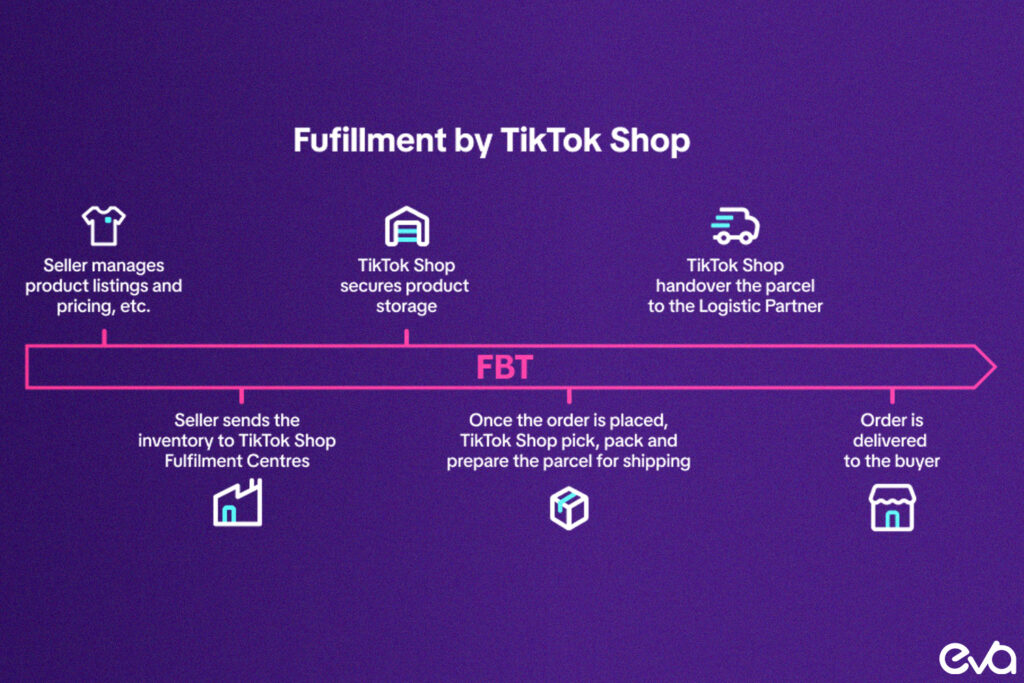
One of the most significant advantages of using TikTok Shop is the seamless shipping and fulfillment process. With TikTok Shipping, you'll be able to provide a valid "ship from" address verified by USPS, which will help ensure that your packages are delivered on time and to the correct address. If your address is invalid, the system will suggest modifications to help you get back on track.