D-Link DIR-860L Firmware Update Process: A Comprehensive Guide
The D-Link DIR-860L Wireless AC1200 Dual Band Gigabit Router is a high-performance device that offers blazing-fast wireless speeds and seamless connectivity. However, like any other device, it requires periodic firmware updates to ensure optimal performance and security. In this article, we will walk you through the step-by-step process of updating the firmware on your D-Link DIR-860L.
Before You Begin
Before you start the firmware update process, make sure you have the following:
- Access to the web-based interface of your router.
- A computer or mobile device connected to your router via a wired or wireless connection.
- The latest firmware file for your D-Link DIR-860L router.
Step 1: Download the Latest Firmware File
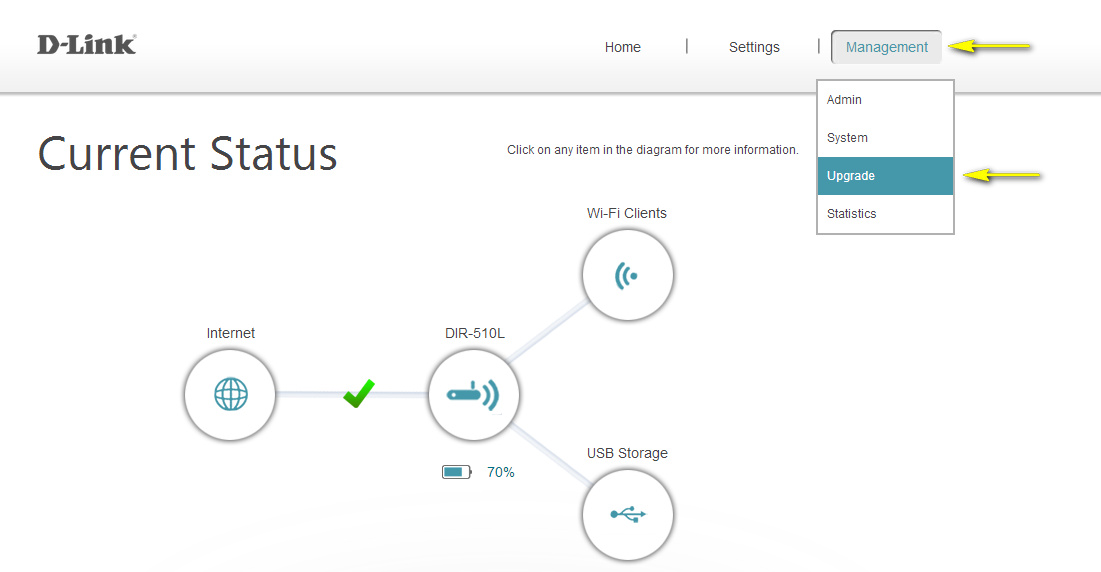
The first step is to download the latest firmware file from the official D-Link website. Follow these steps:
- Go to the D-Link website and navigate to the support section.
- Enter your router model number (DIR-860L) in the search bar and select your region or country.
- Click on the firmware download link and select the latest version of the firmware file (e.g., DIR-860L_REVB_FIRMWARE_2.00.B13.ZIP).
- Save the firmware file to your computer.
Step 2: Access the Web-Based Interface
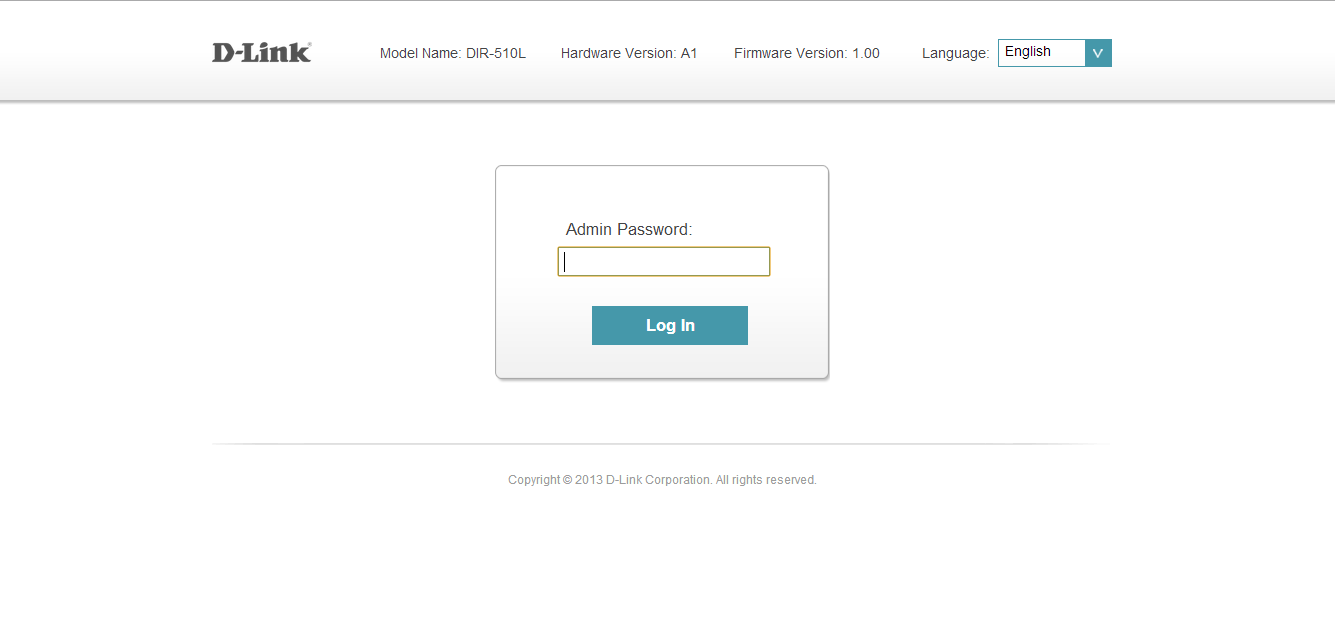
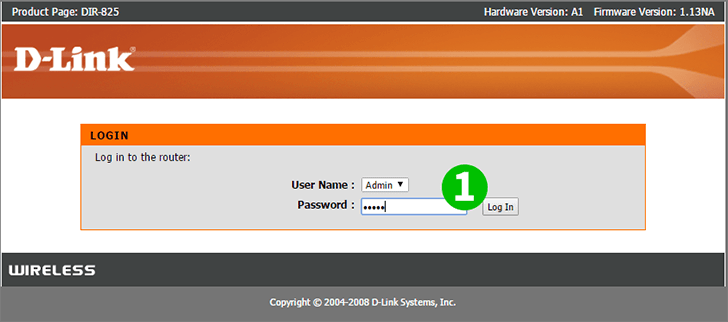
Next, you need to access the web-based interface of your router: