Setup Router for Internet Speed Test: A Comprehensive Guide
In an era where a fast and stable internet connection is crucial for work, entertainment, and communication, knowing how to perform an internet speed test on your router is essential. This article will walk you through the process of setting up your router for an internet speed test and provide tips on how to optimize your connection for maximum speed.
Understanding Internet Speed Test
In the context of a router, an internet speed test measures the upload and download speeds of your internet connection. The results of the speed test can help you determine if your router is the culprit behind slow speeds or if the issue lies with your internet service provider (ISP). It's essential to consider the server location, as the distance between the server and your router can affect the test results.
Prerequisites for Testing Internet Speed from a Router
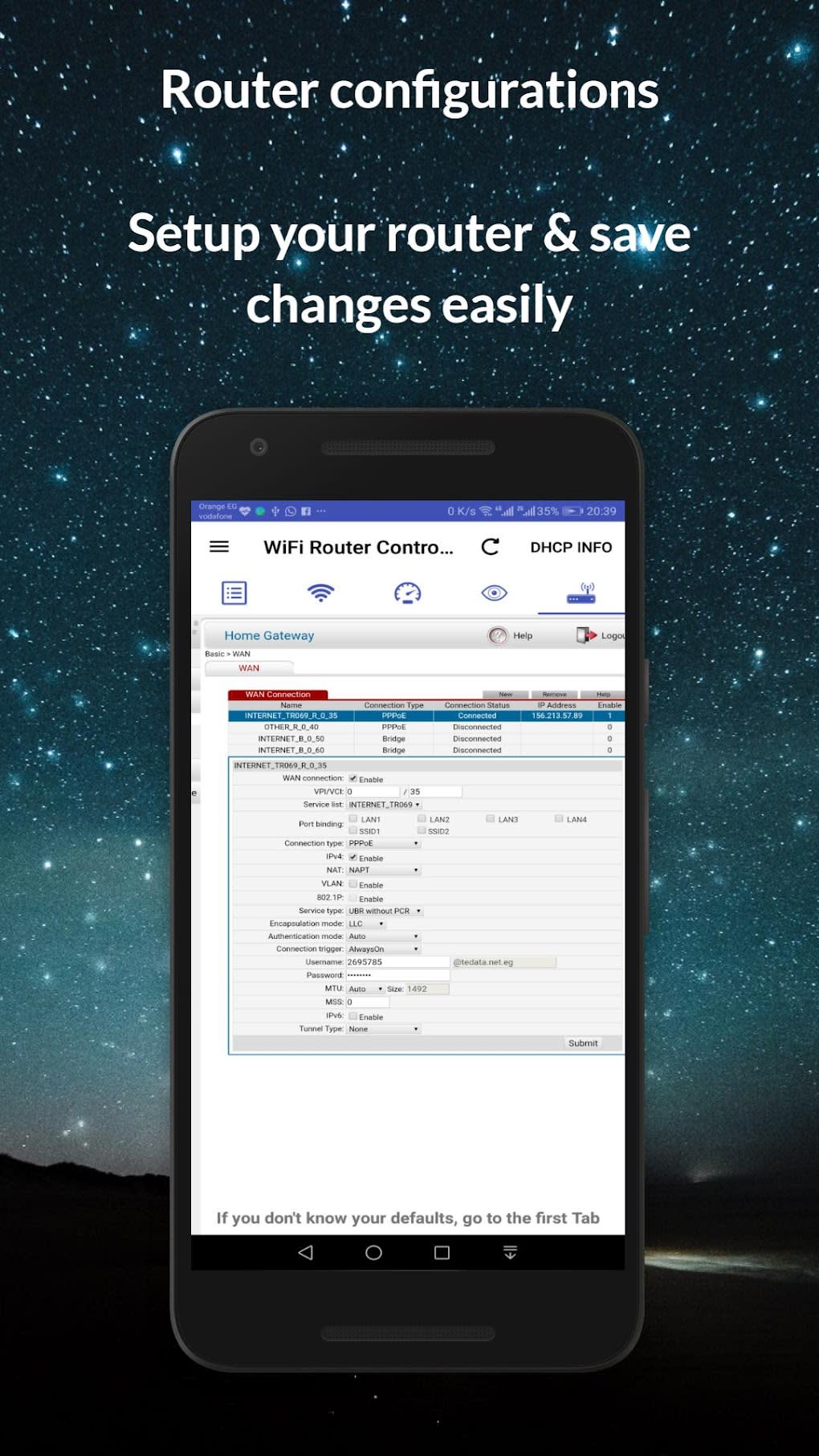
- Ensure you have access to your router's administration interface, reachable via a web browser using your router's IP address.
- Know your login credentials to access speed testing tools embedded in some routers.
Step-by-Step Guide to Setup Router for Internet Speed Test
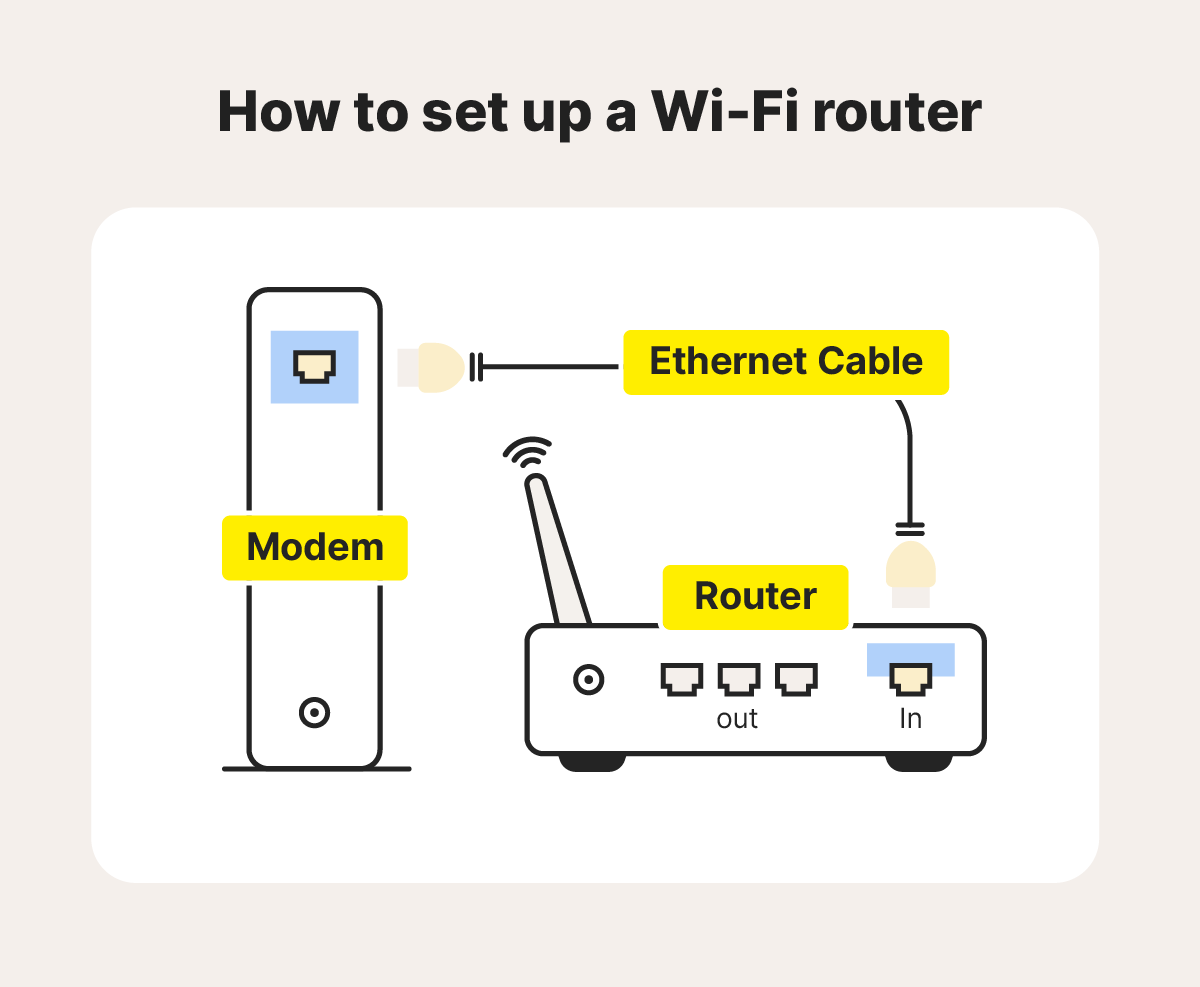
- Connect your device to your router using an Ethernet cable.
- Open a web browser and navigate to your router's administration interface using the IP address.
- Log in to your router using your login credentials.
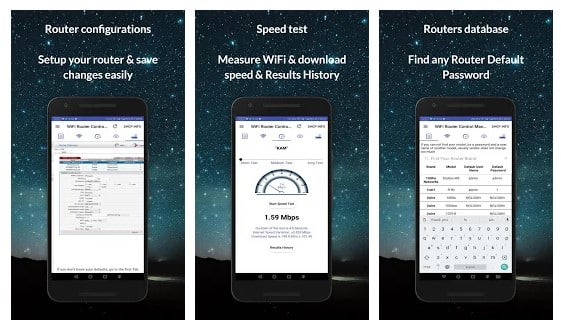
- Look for the speed testing tool or option on your router's interface. This may vary depending on your router model.
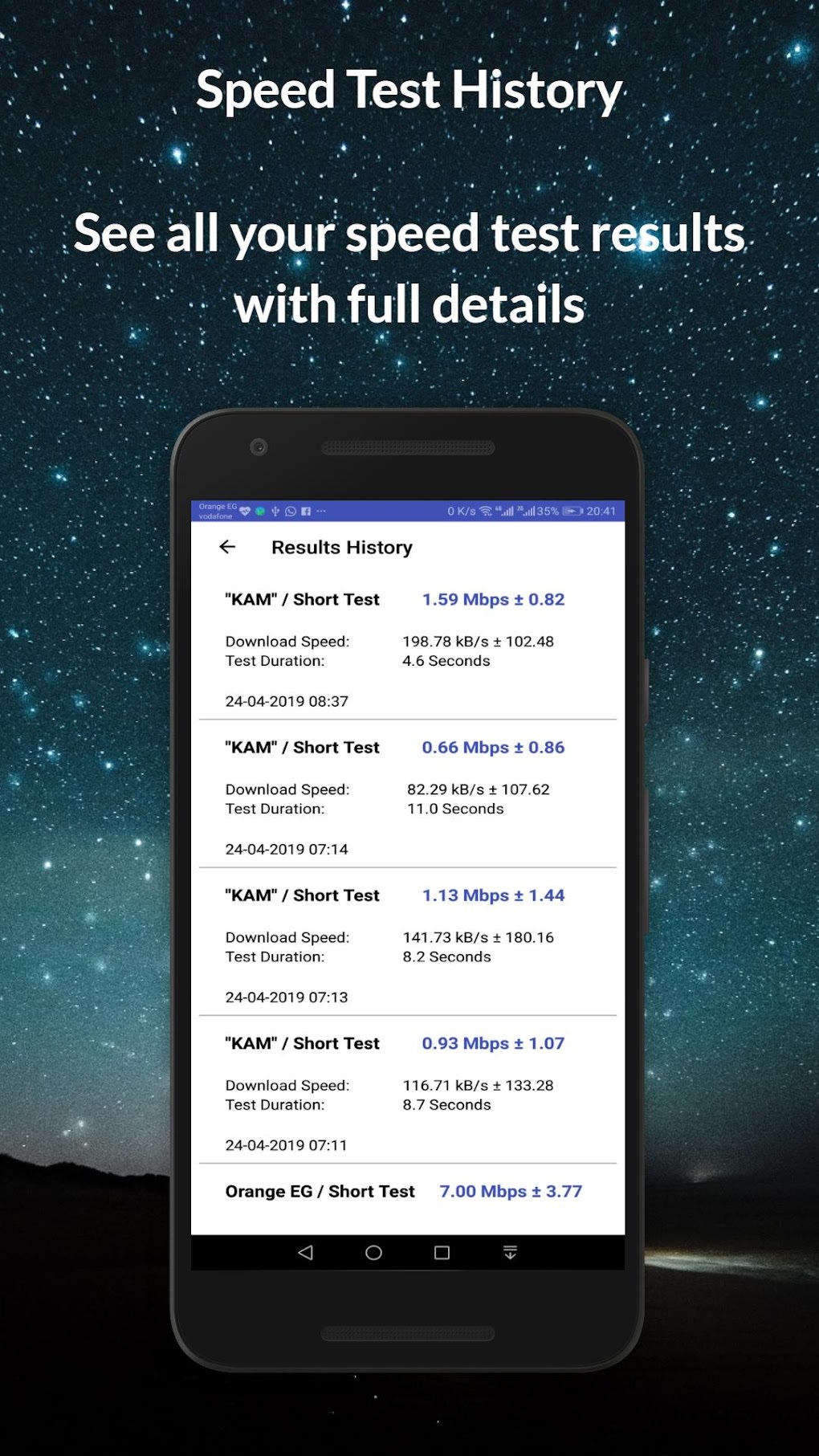
- Run the speed test and note down the upload and download speeds.
- Compare the test results with your ISP's promised speeds to determine if your router is the issue or not.