Expert Guide to D-Link G Router Setup for High-Speed Internet
In today's fast-paced digital age, having a reliable and high-speed internet connection is crucial for both personal and professional use. With numerous router options available in the market, choosing the right one can be overwhelming. In this article, we will focus on setting up a D-Link G router for high-speed internet, covering the necessary steps and considerations for a smooth and secure connectivity solution.
About D-Link G Router
D-Link is a well-known brand in the networking industry, offering a range of routers suitable for different needs and environments. The D-Link G router series, in particular, is designed to provide users with high-speed internet access, robust security features, and easy-to-use interface. By following the steps outlined in this article, you can successfully set up your D-Link G router and enjoy a seamless and high-speed internet experience.

Hardware Setup of D-Link G Router
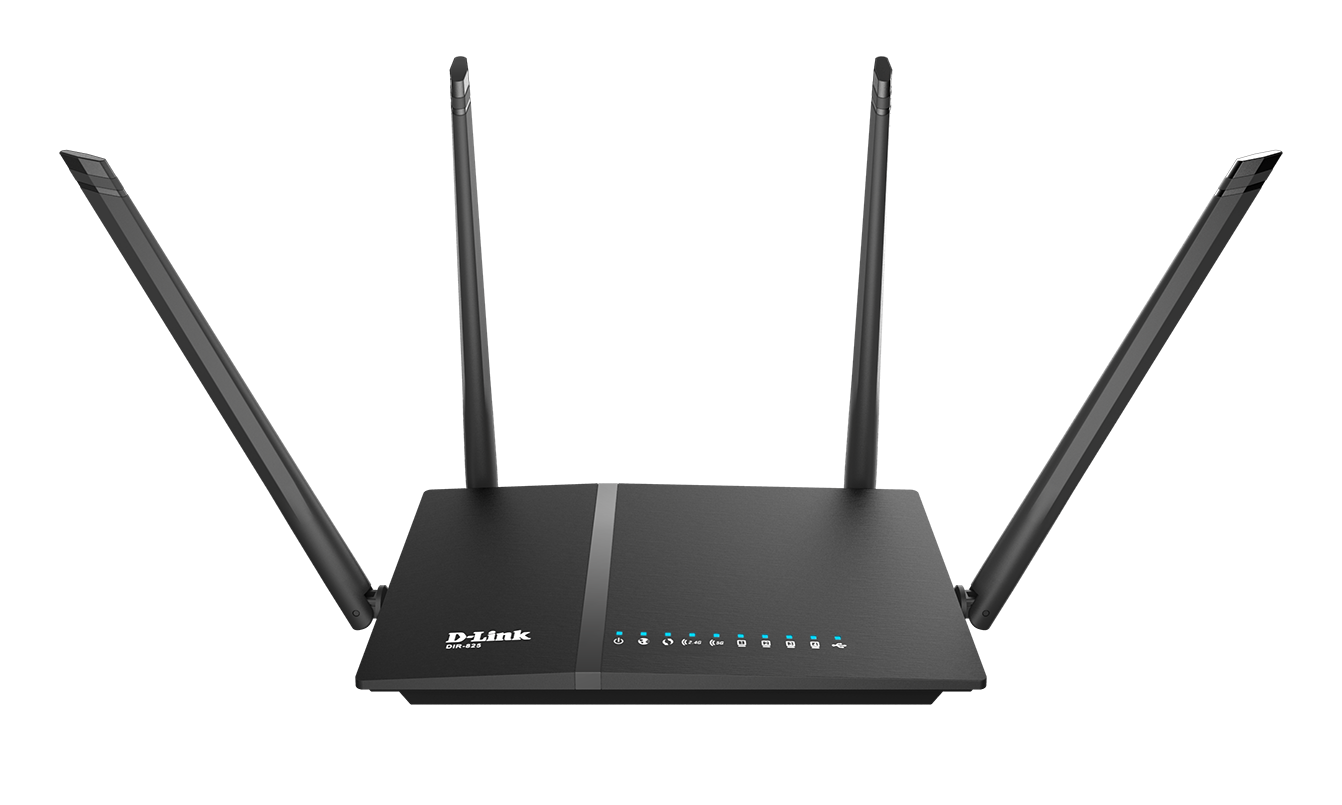
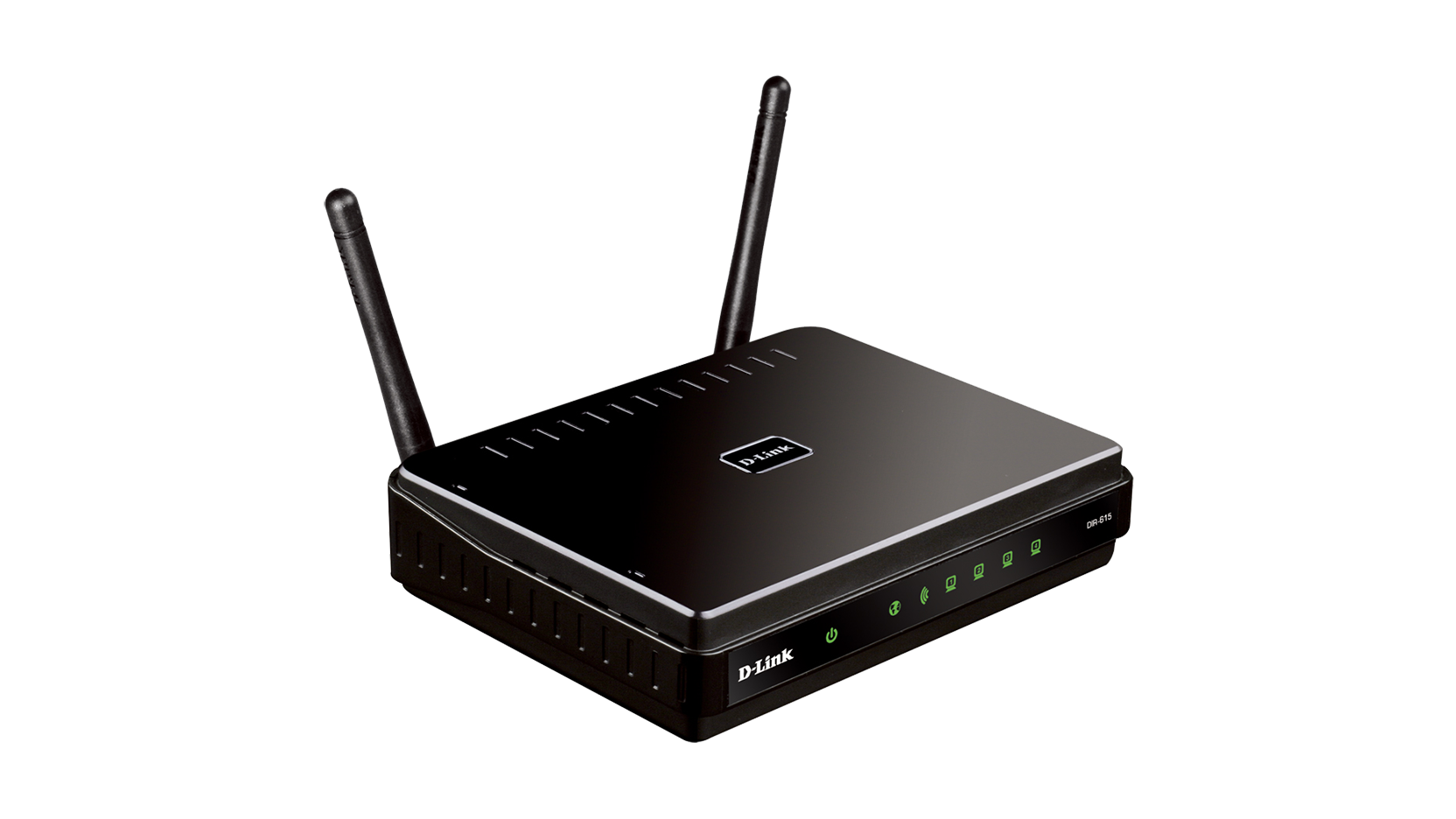
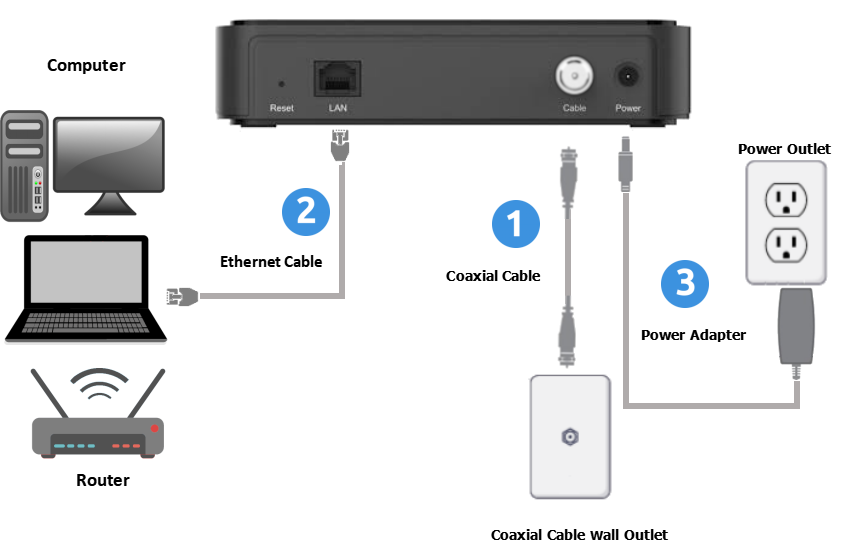
Before diving into the software configuration, let's focus on the initial hardware setup of your D-Link G router. To ensure proper setup, please follow these steps:
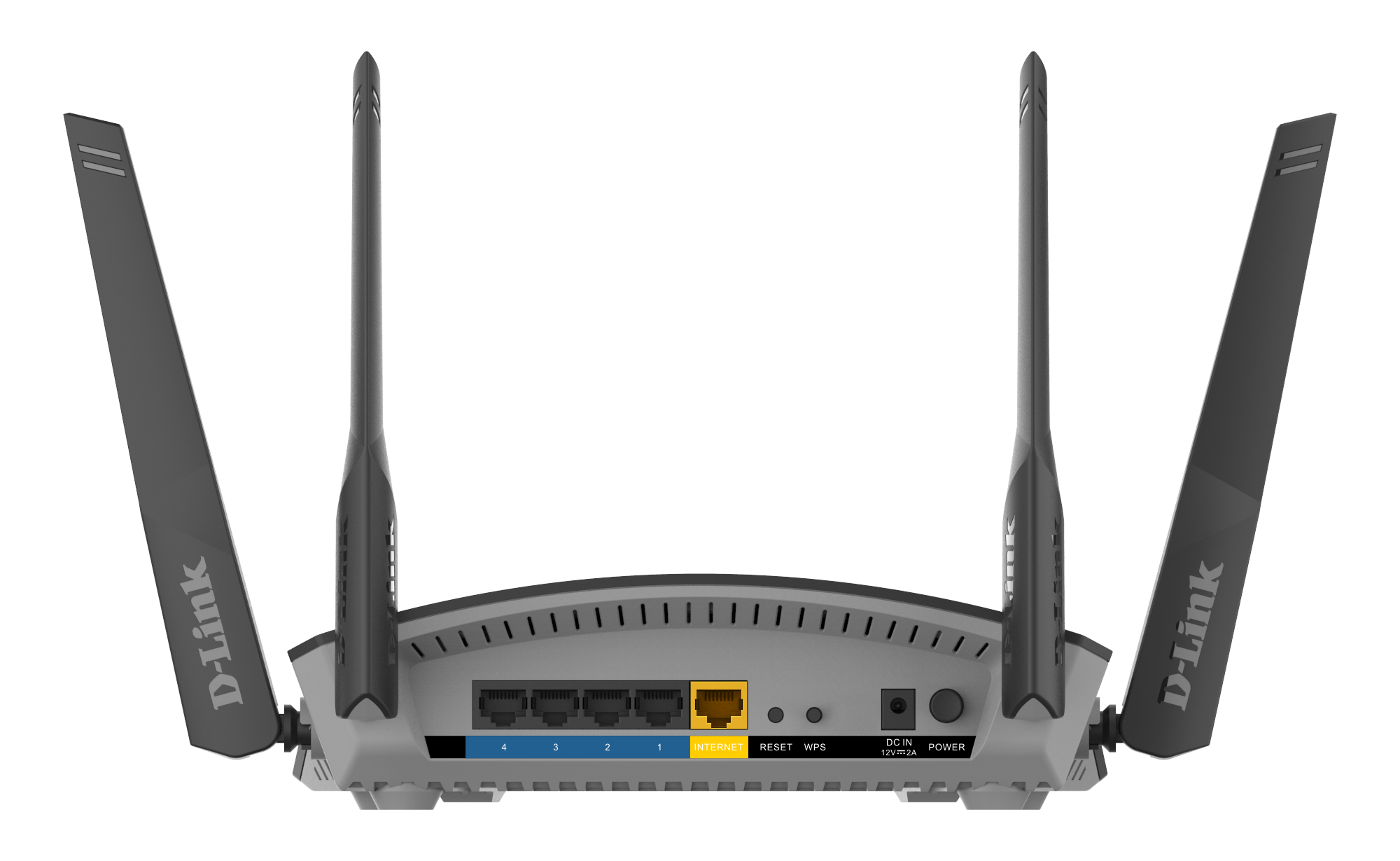
- Connect the power adapter to the router and plug it into an electrical outlet.
- Using an Ethernet cable, connect the router's Internet/WAN port (usually colored yellow or labeled "Internet") to your modem.