Linksys Smart Router Configuration: A Step-by-Step Guide
Are you struggling to configure your Linksys Smart Wi-Fi router? Look no further! In this comprehensive guide, we will walk you through the process of setting up your Linksys Smart Wi-Fi router using the Smart Setup Wizard. By following these steps, you'll be able to easily configure your router and enjoy a smooth online experience.
Setting Up Your Linksys Smart Wi-Fi Router Using the Smart Setup Wizard
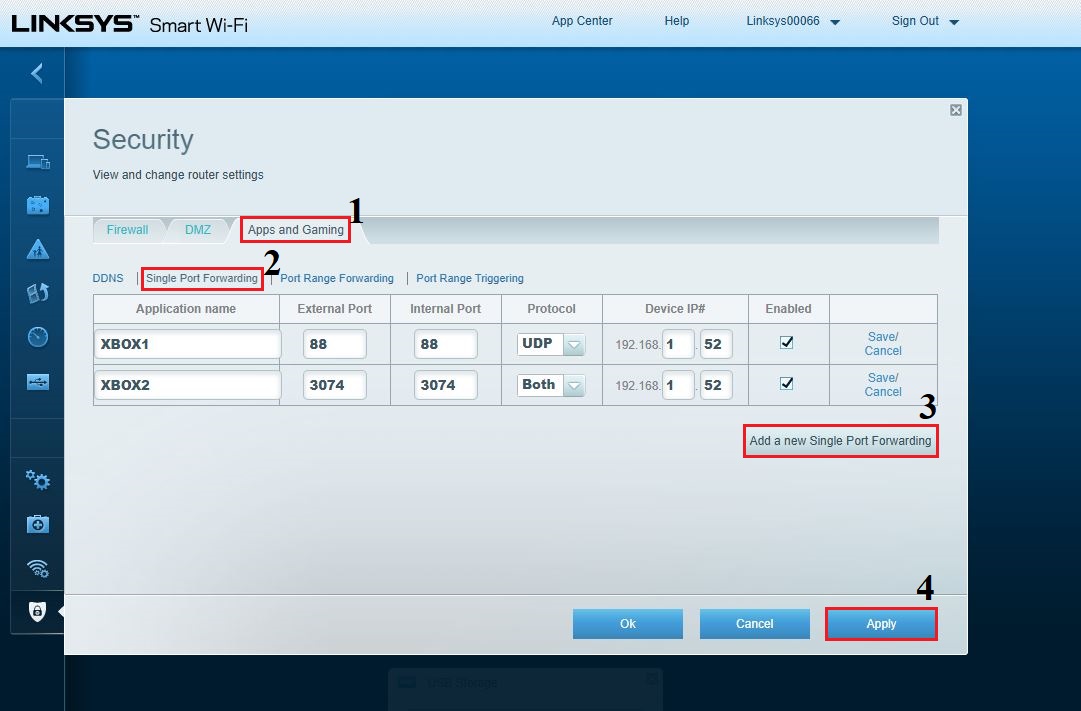
The Smart Setup Wizard is a user-friendly interface that guides you through the configuration process. To access the Smart Setup Wizard, follow these steps:
- If your router came with a Setup CD, insert it into your computer to start the setup. If you don't have the CD, or can't find it, you can download the Linksys Smart Wi-Fi Router Setup software from support.linksys.com. If your router did not come with a Setup CD, open a web browser and enter www.linksyssmartwifi.com in the address bar. The Setup instructions will appear in the browser window.
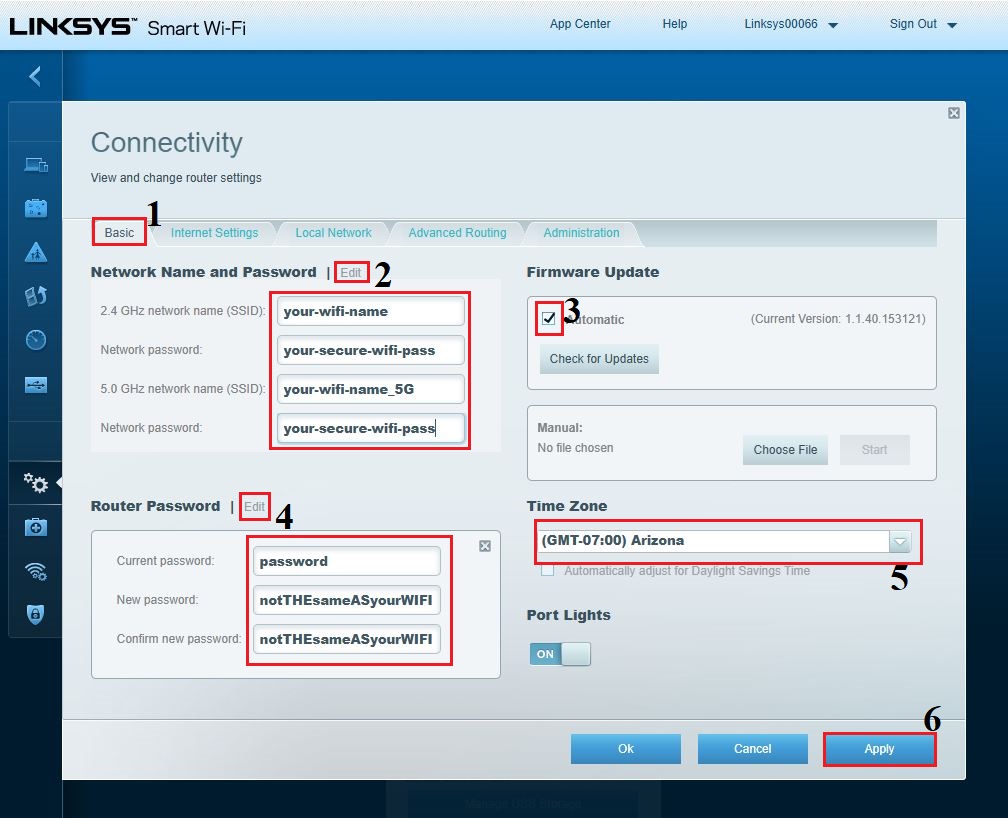
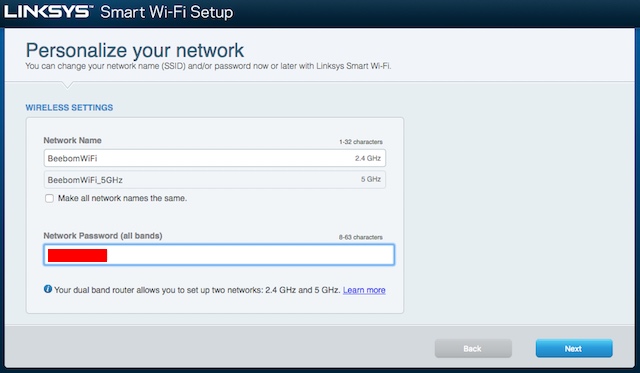
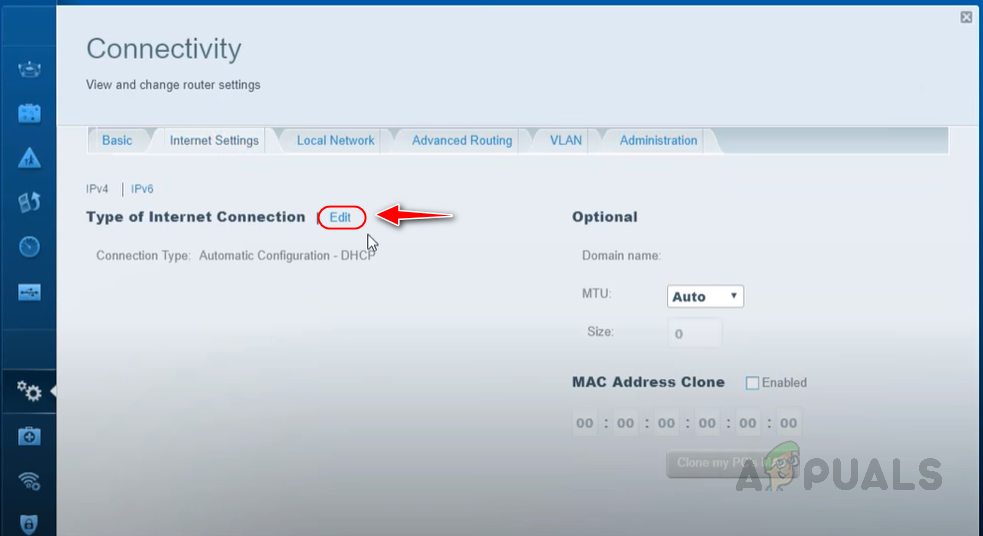
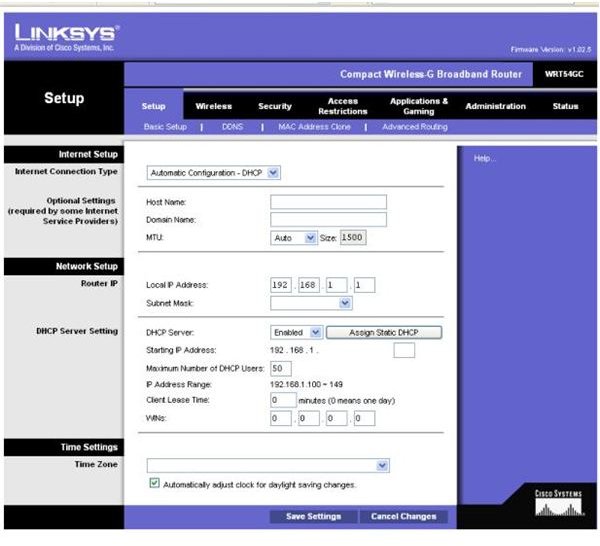
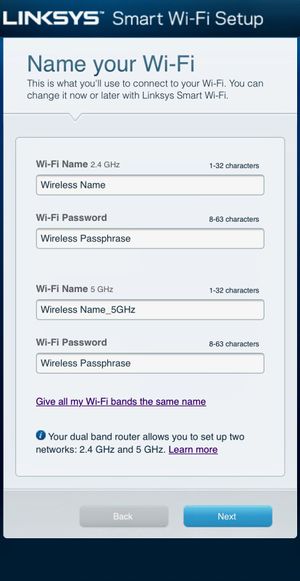
- Once you've accessed the Smart Setup Wizard, follow the on-screen instructions to set up your router. This includes selecting your language, setting your time zone, and configuring your network settings.
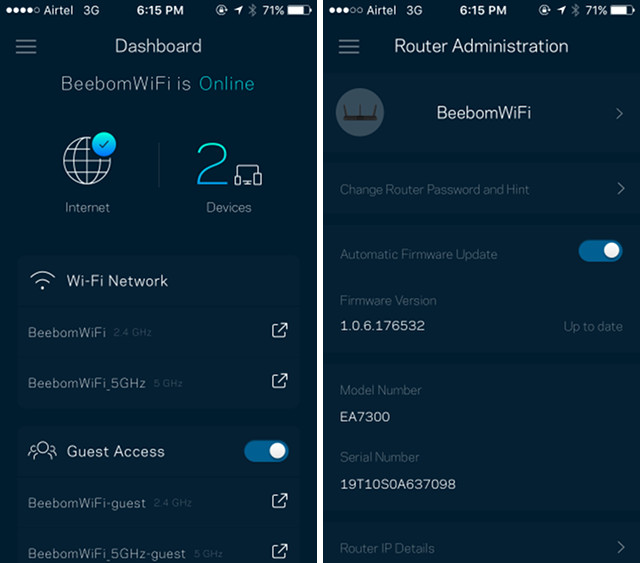
- The Smart Setup Wizard will also guide you through the process of creating a Linksys Smart Wi-Fi account. This account will allow you to access your home network from anywhere, at any time, and includes features such as easy guest access, parental controls, and apps that make home networking easier and fun.