Setting Up a G Router for Secure Network Segmentation: A Step-by-Step Guide
As the threat landscape continues to evolve, network segmentation has become a crucial aspect of securing your network. In this article, we will explore the concept of network segmentation, its benefits, and provide a step-by-step guide on how to set up a G router for secure network segmentation.
What is Network Segmentation?
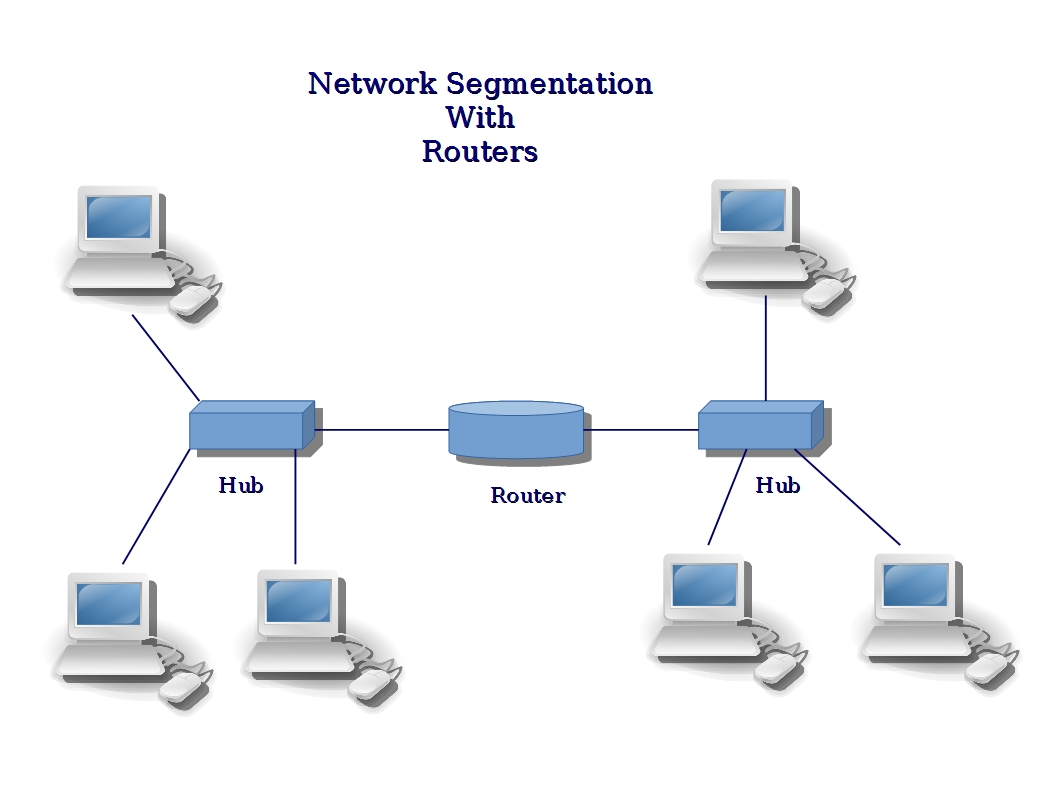
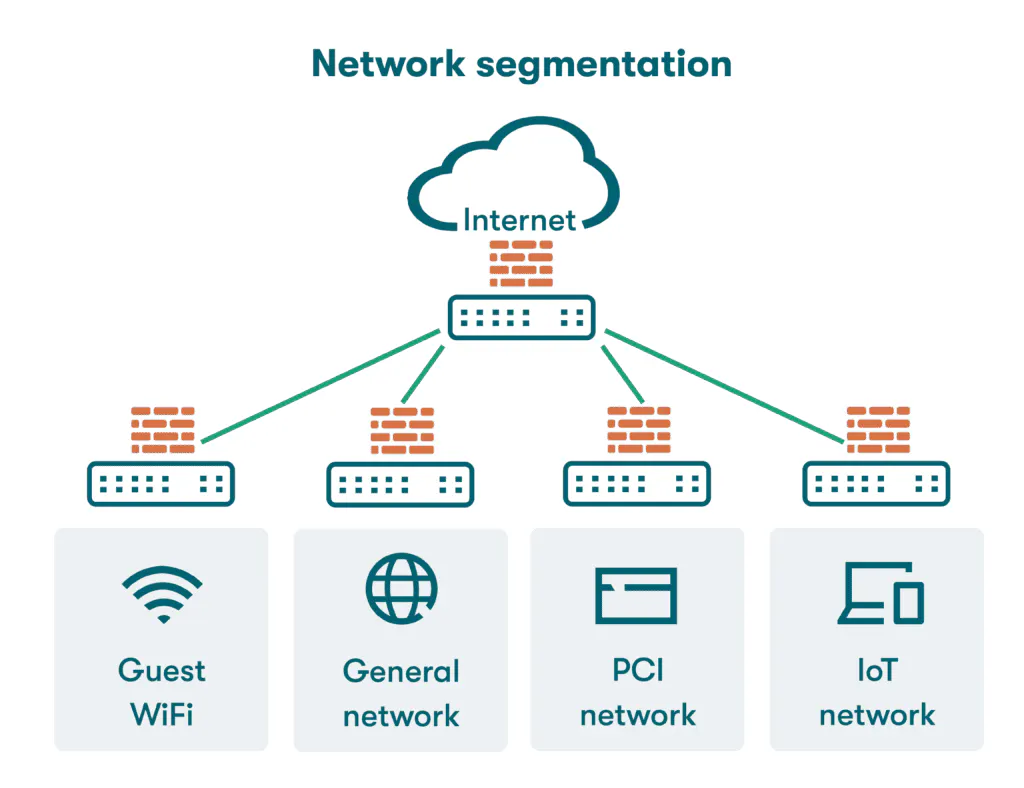
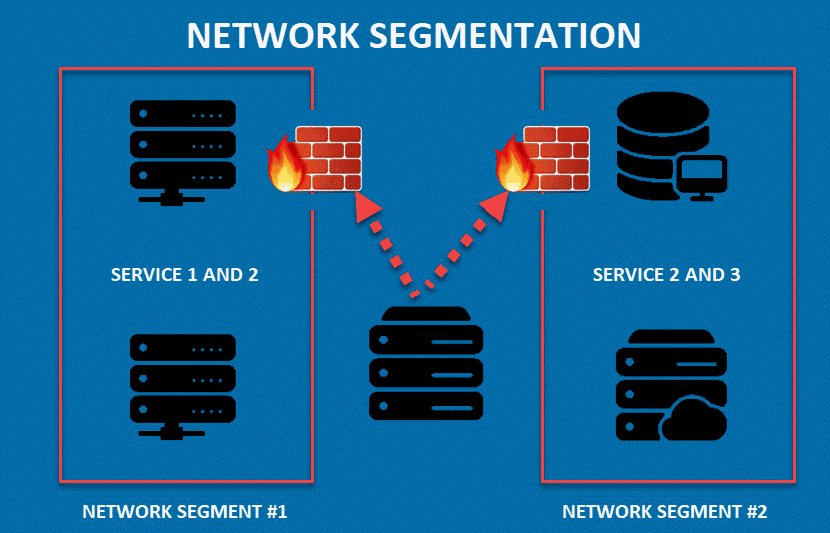
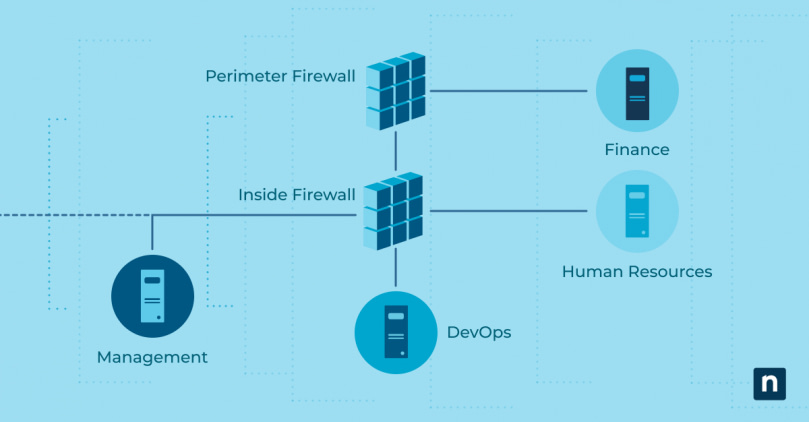
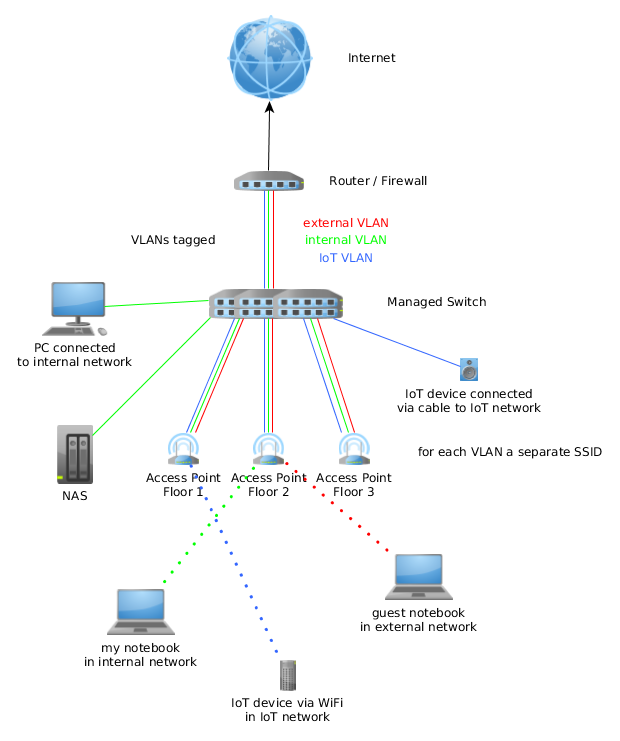
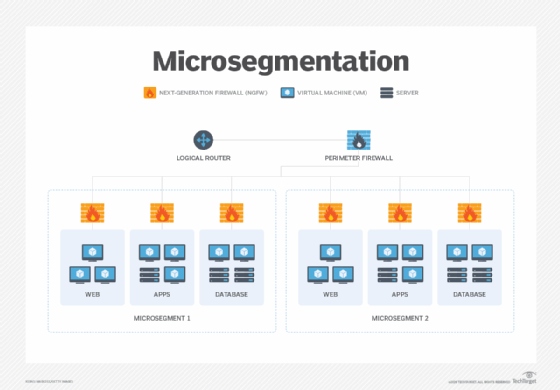
Network segmentation involves dividing a single network into multiple isolated segments, each with its own security controls. This strengthens protection by restricting access, managing traffic flow, and containing threats within defined wireless boundaries.
Benefits of Network Segmentation
- Improved security: Network segmentation limits access to sensitive areas of the network, reducing the attack surface.
- Enhanced compliance: Network segmentation helps organizations meet regulatory requirements by segregating sensitive data and systems.
- Increased performance: Network segmentation can improve network performance by reducing congestion and improving traffic flow.
Choosing the Right Router
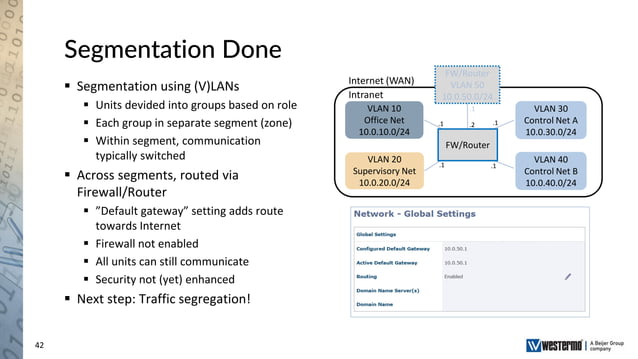
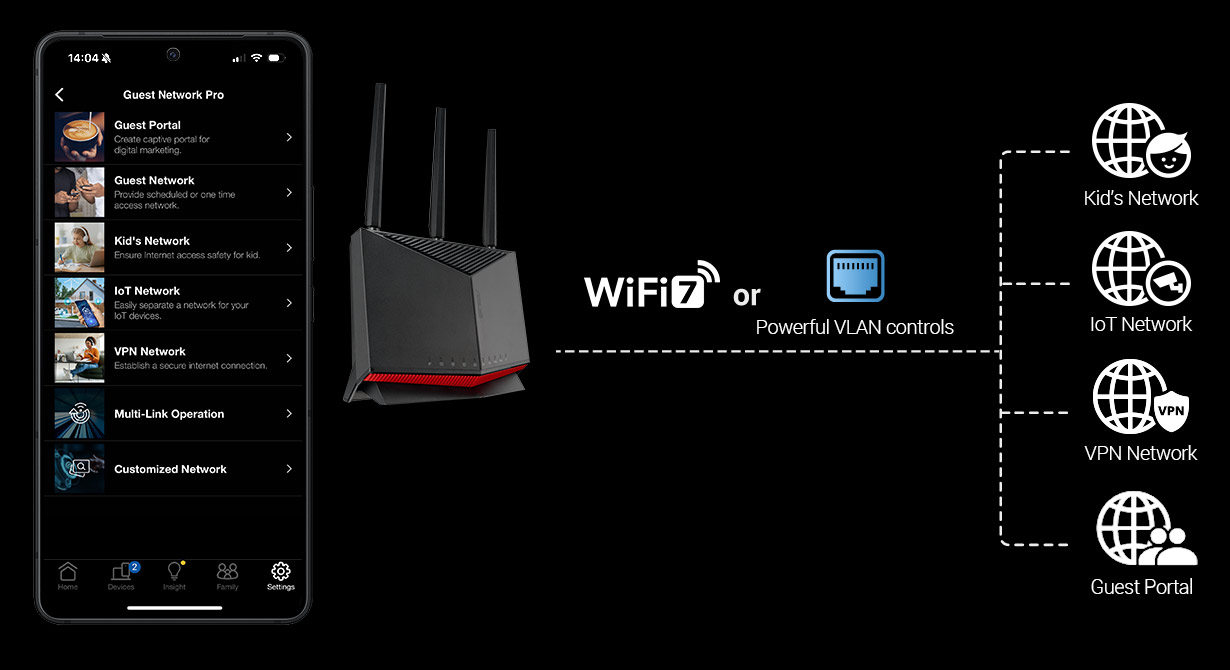
To set up a G router for secure network segmentation, you'll need a router that supports advanced segmentation features. Verify your router's specifications or consider upgrading to one with VLAN (Virtual Local Area Network) or multiple SSID capabilities.
Step 1: Connect the Switch to the Router
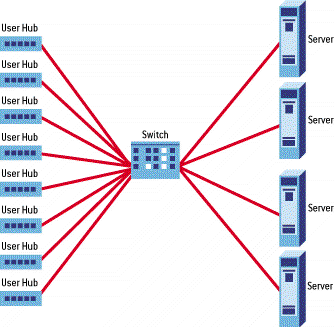
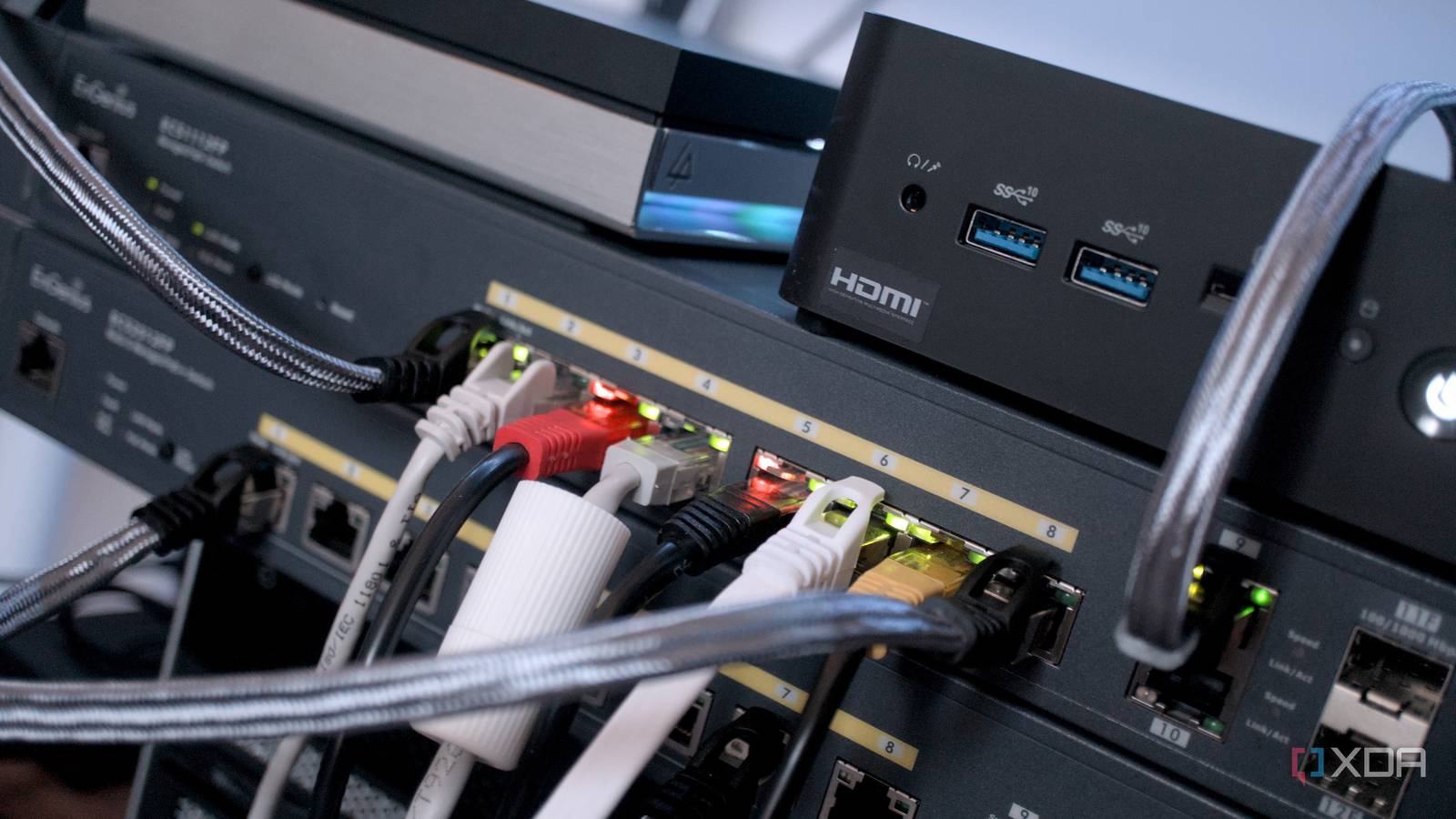
Connect the switch to the router using an Ethernet cable. This will enable you to segment your network and manage traffic flow more effectively.