Wireless Router Setup for Network Printer: A Comprehensive Guide
In today's digital age, having a reliable and efficient wireless network is essential for seamless printing and connectivity. In this article, we will guide you through the process of setting up a wireless router for a network printer, ensuring that you can print from any device on your network with ease.
Understanding Wireless Networking Basics
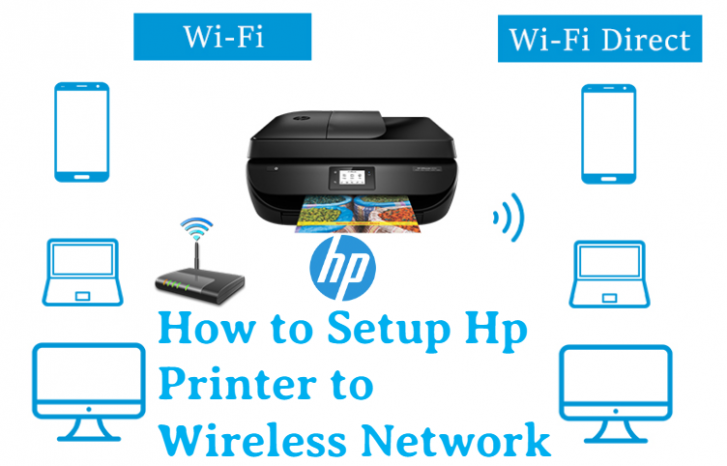
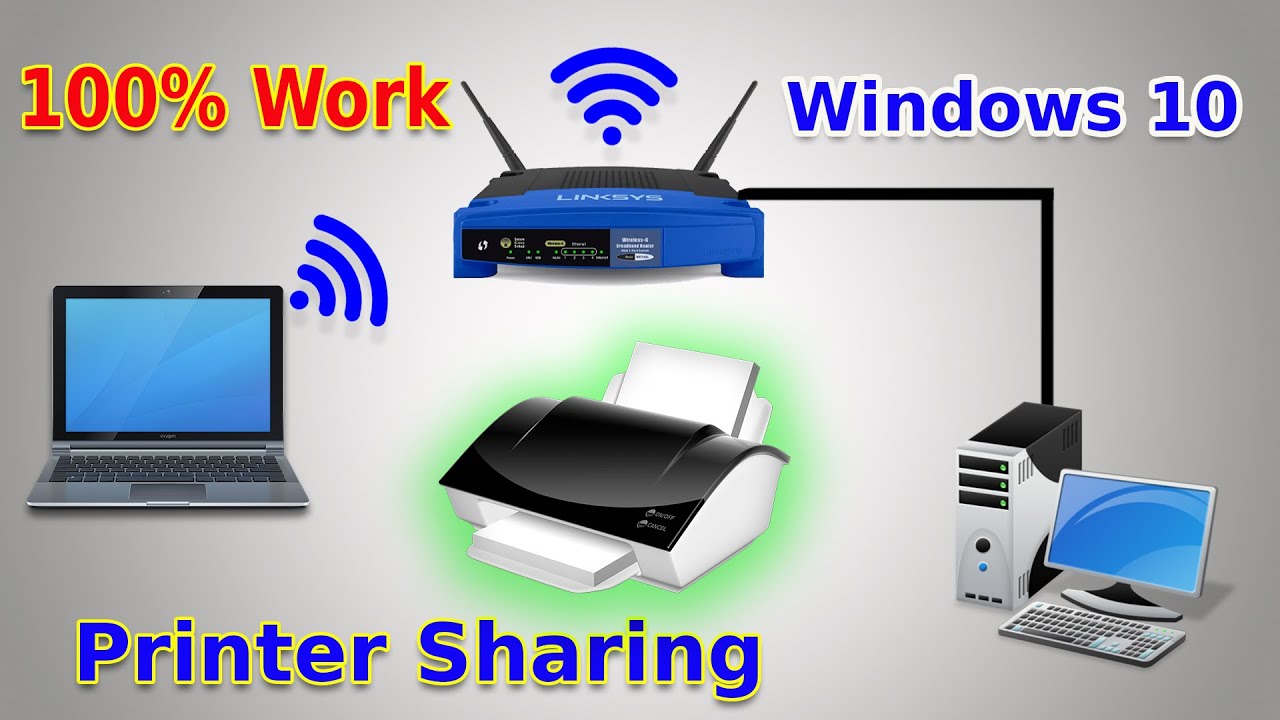
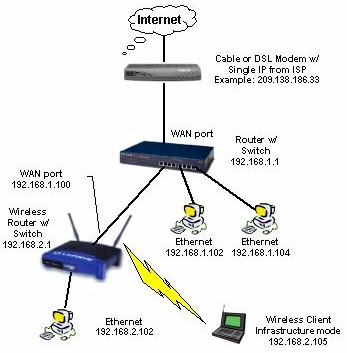
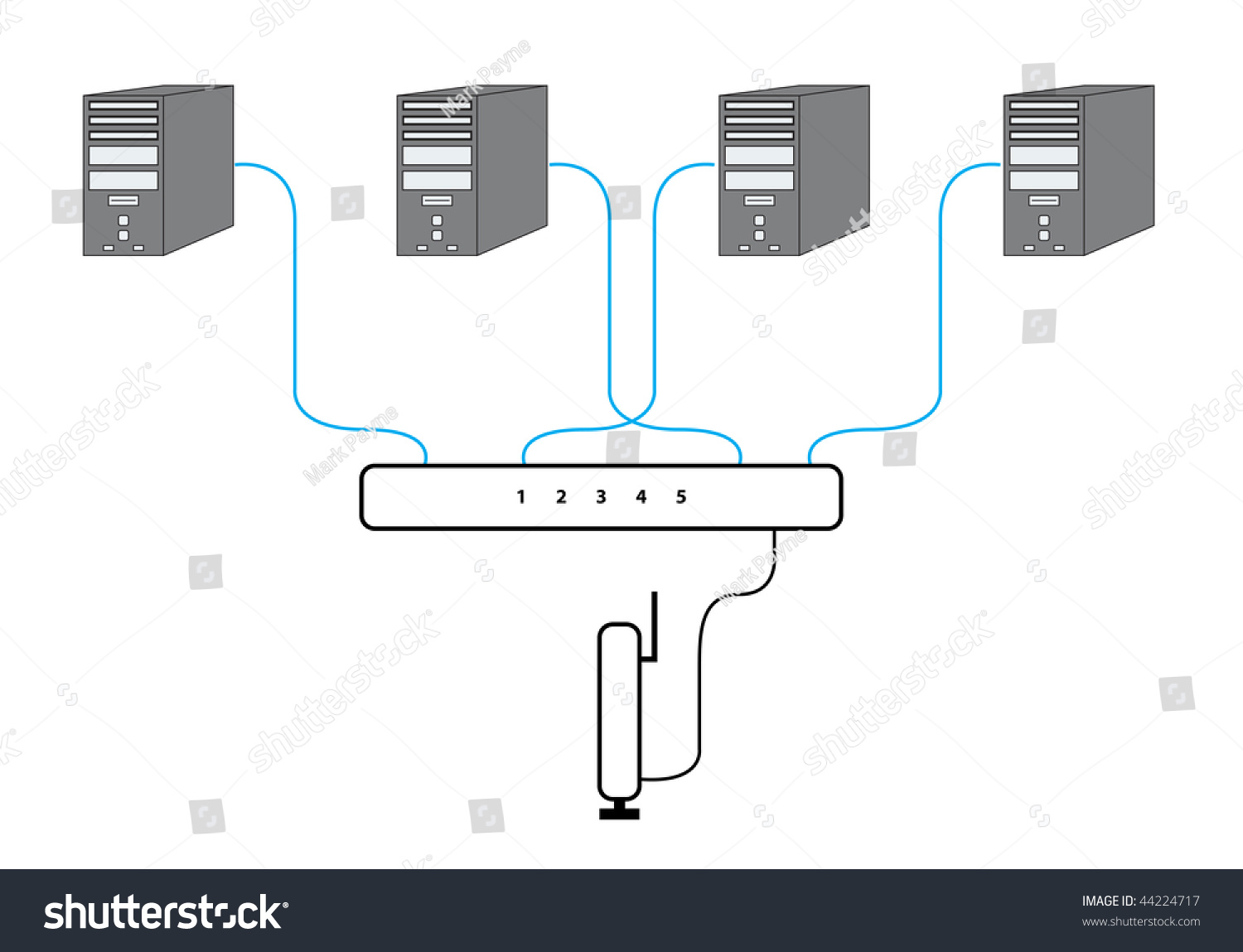
Before we dive into the setup process, it's essential to understand the basics of wireless networking. A wireless router connects your network devices, such as laptops, smartphones, and tablets, to the internet via a wireless signal. When it comes to network printing, the router plays a crucial role in facilitating communication between your printer, computer, and other devices on the network.

Preparing Your Printer for Wireless Setup
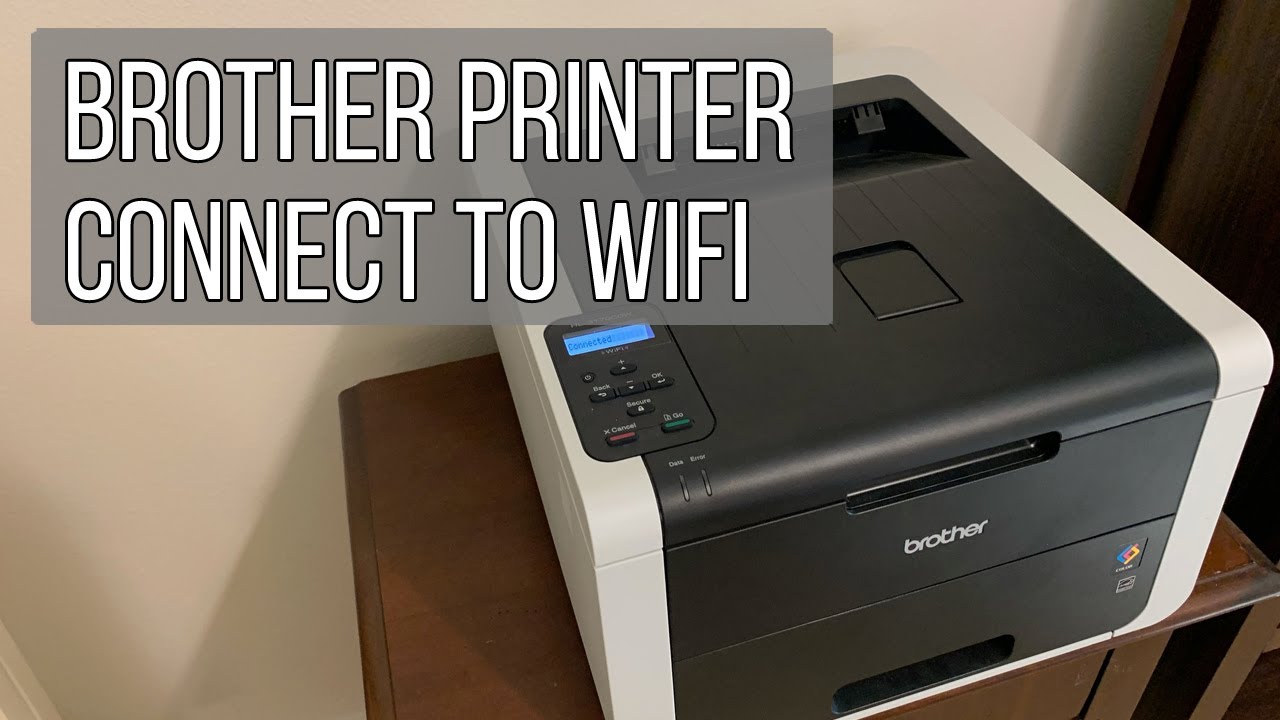
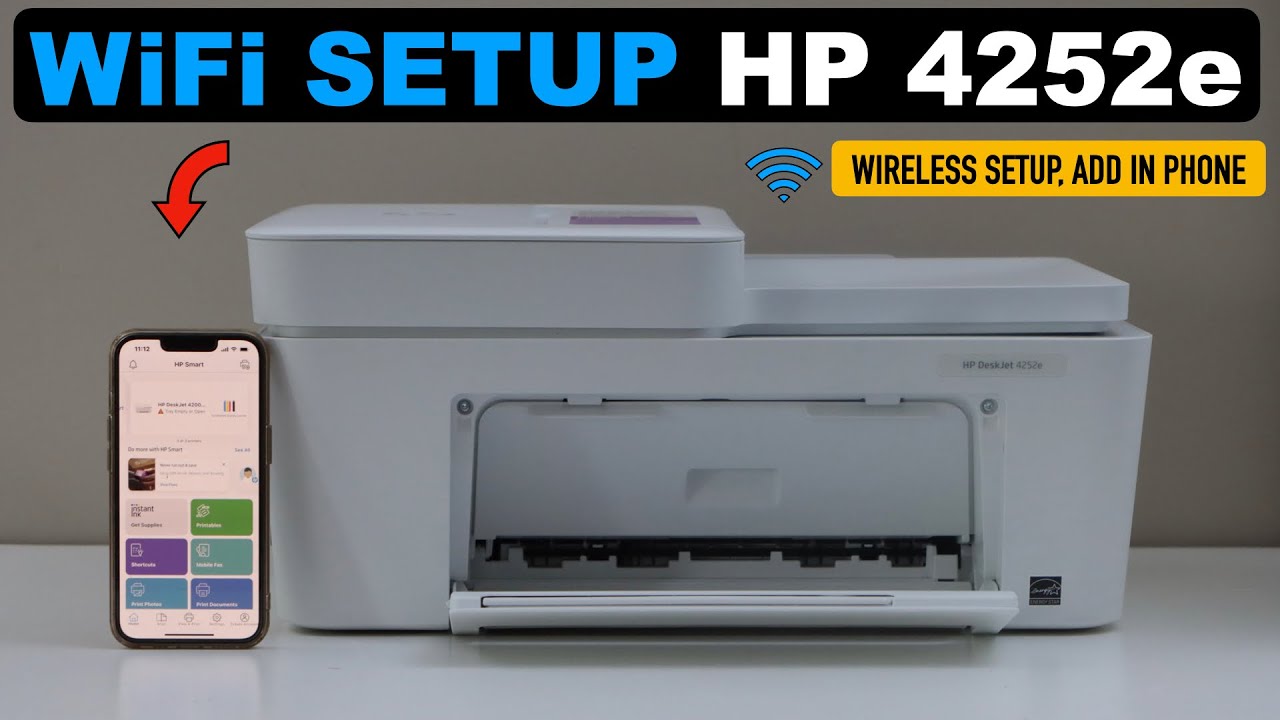
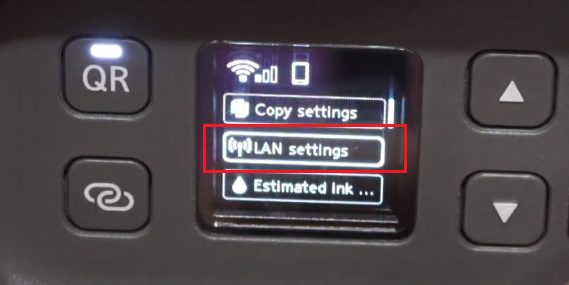
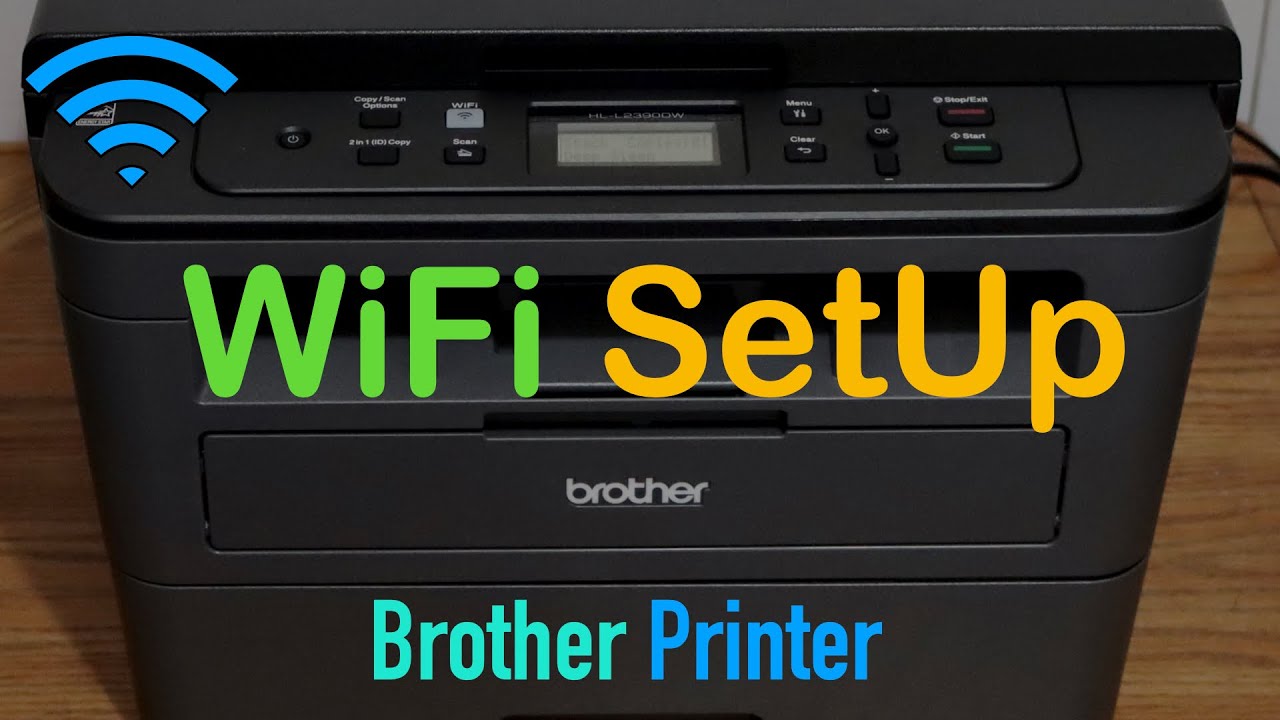
To set up your printer wirelessly, you'll need to put it in a special mode that allows it to connect to your router and network. This mode is usually called "WPS" or "Wireless Setup" mode. Check your printer's manual or manufacturer's website for specific instructions on how to enable this mode. Some common methods include:
- Pressing a button on the printer to put it into WPS mode
- Using a software utility provided by the manufacturer to enable WPS mode
- Connecting the printer to a computer using a USB cable and following the on-screen instructions to configure the wireless connection