Mastering Access Point Setup For Telecommuting: A Comprehensive Guide
In today's digital age, telecommuting has become a norm for many professionals. With the rise of remote work, it's essential to have a reliable and efficient wireless network setup at home. This is where an access point (AP) comes into play. In this article, we'll walk you through the process of setting up an access point for telecommuting, including choosing the right location, selecting the right equipment, and configuring the access point for optimal performance.
What is an Access Point?
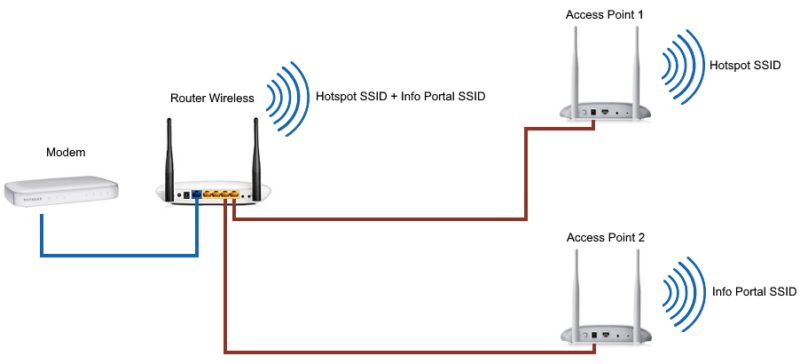
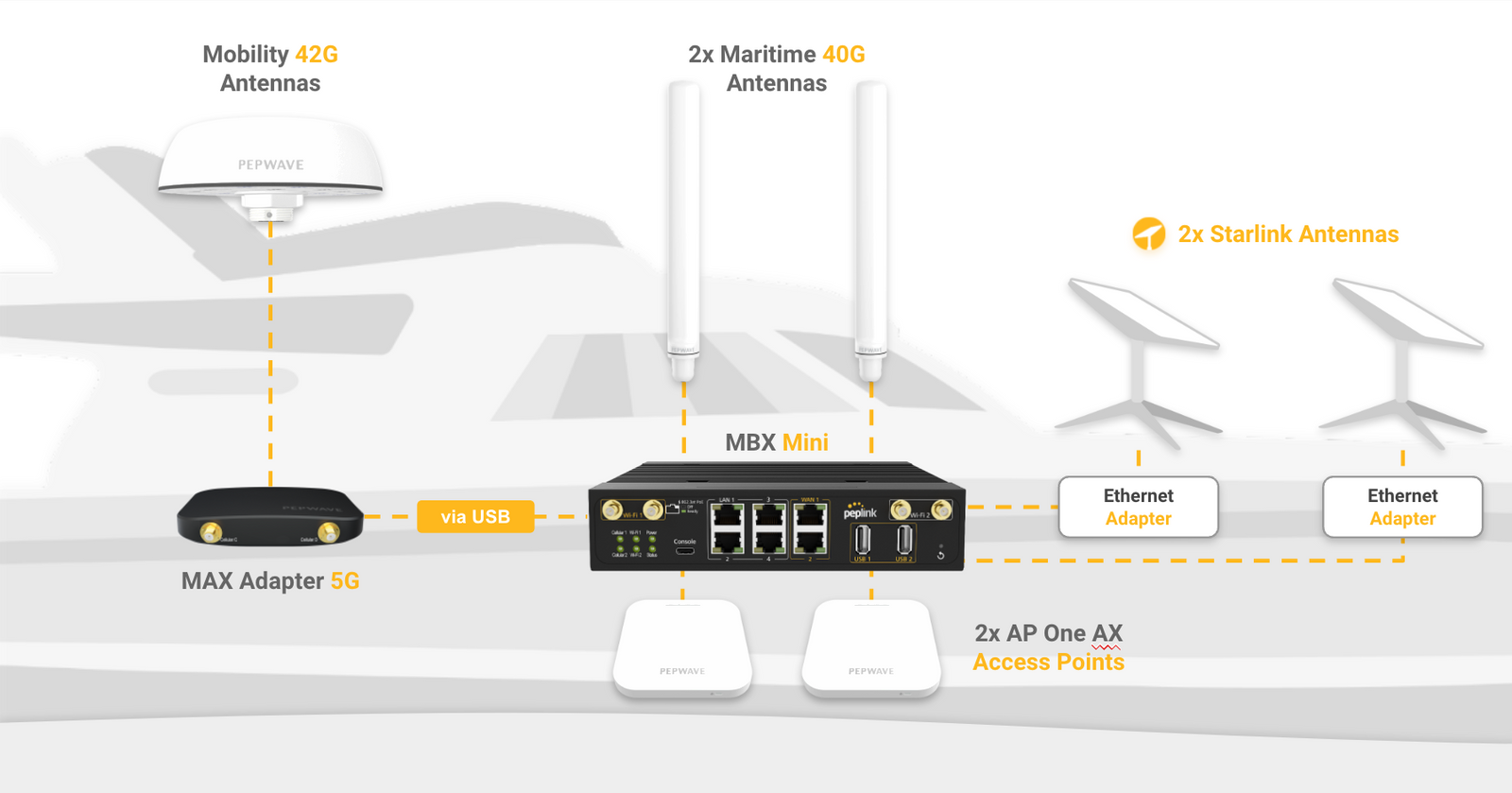
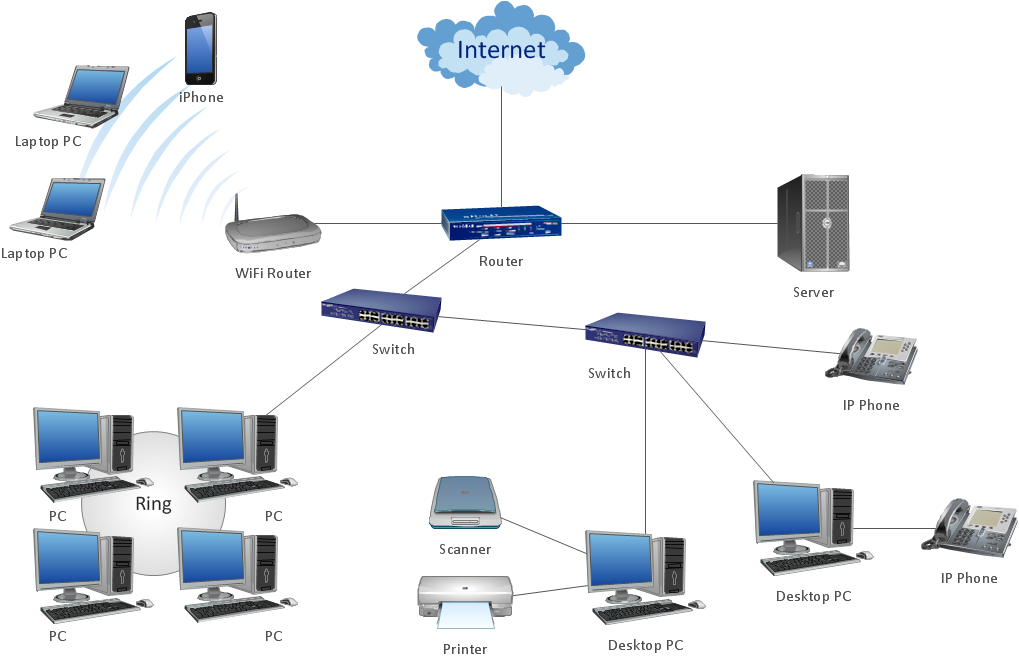
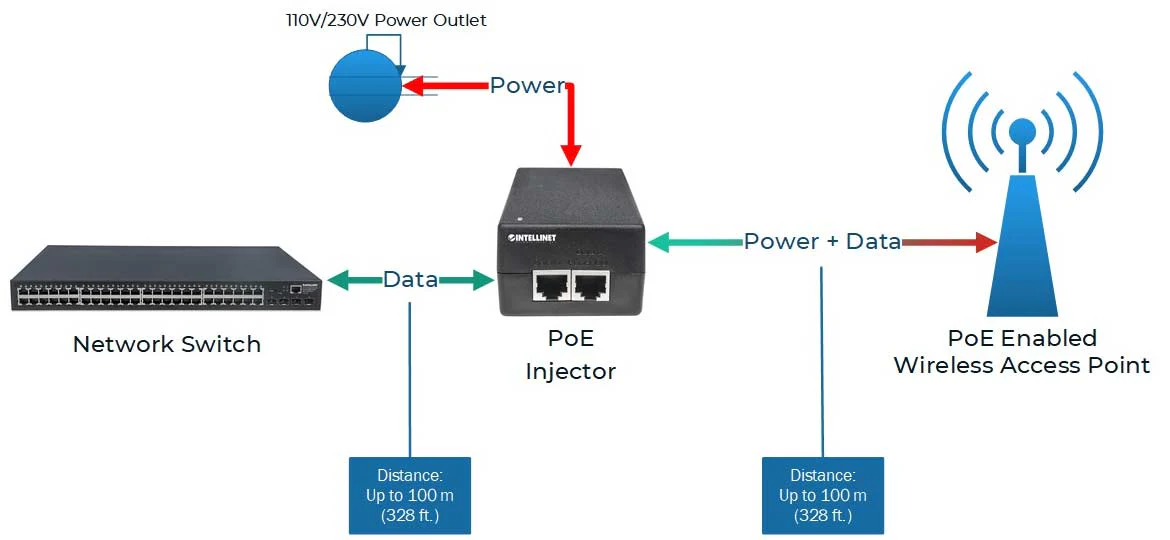
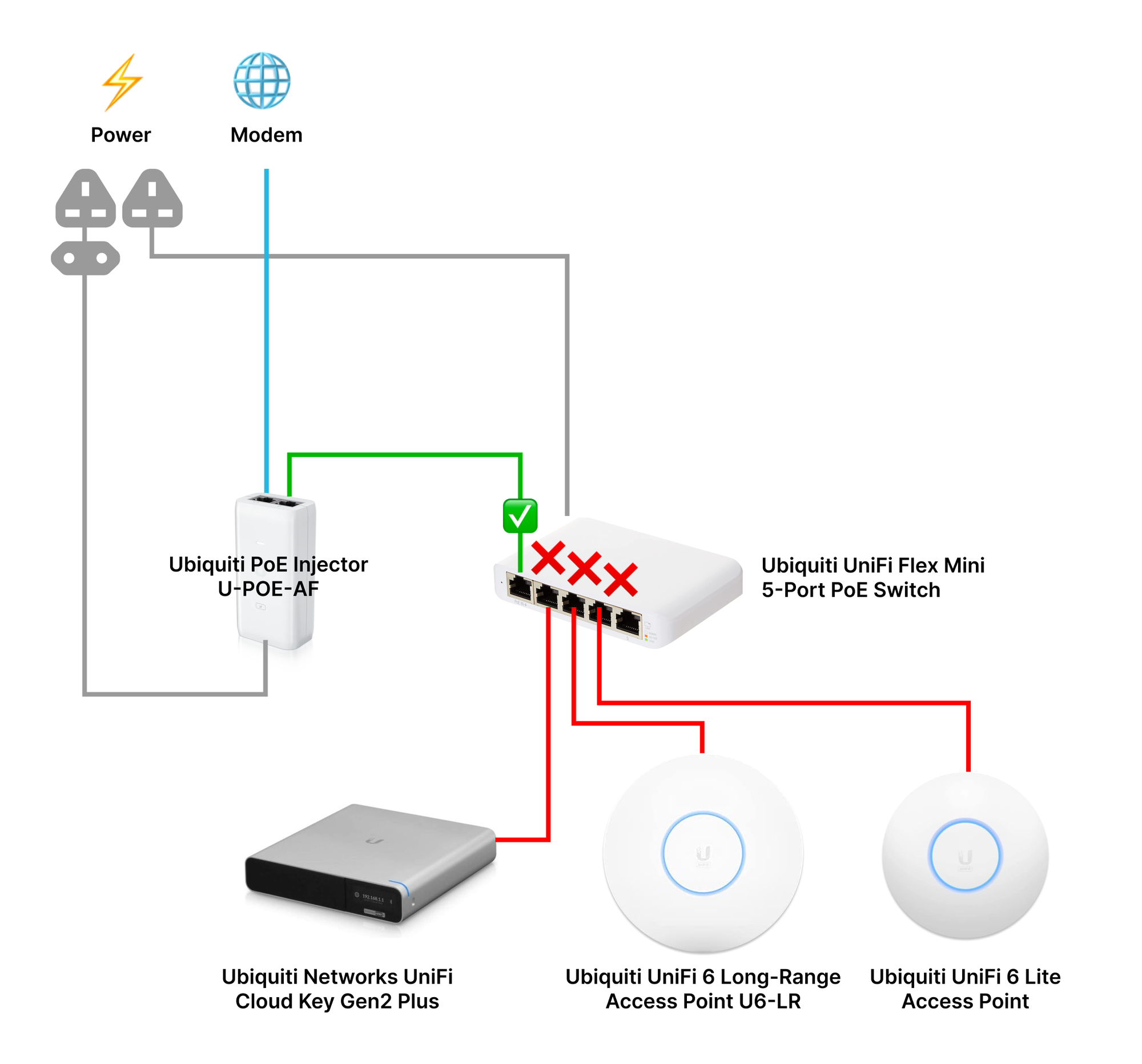
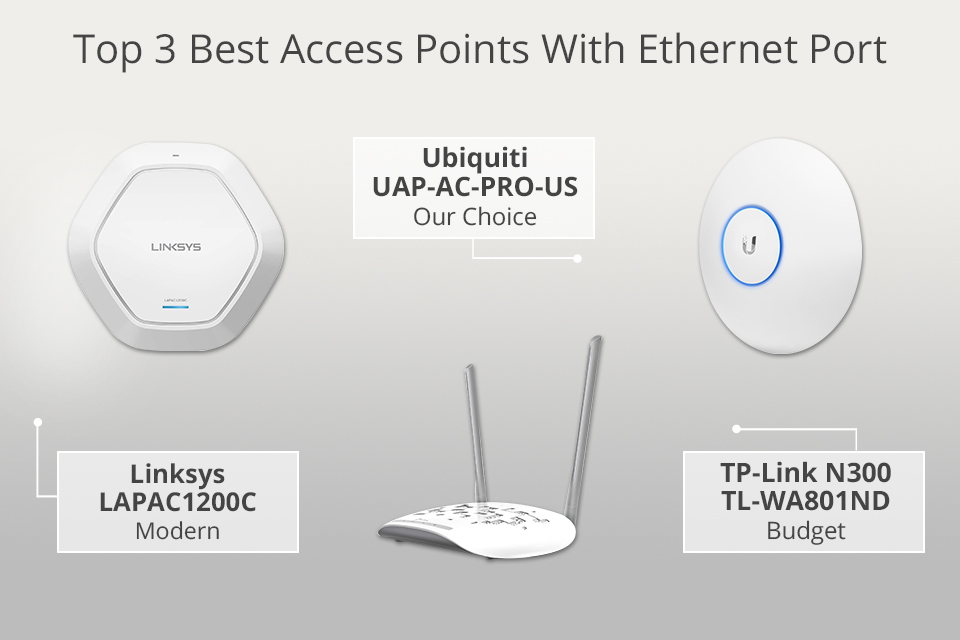
A wireless access point is a networking device that allows wireless-capable devices to connect to a wired network. Instead of using wires and cables to connect every computer or device in the network, installing access points is a more convenient, more secure, and cost-efficient alternative. An access point provides a lot of advantages and benefits, including reduced maintenance, increased mobility, and improved security.
Choosing the Right Location for Your Access Point
The biggest mistake that you can make when it comes to installing an access point is just to install it in the most convenient location. However, the right location is crucial for optimal performance. You should install the access point in a central location, away from obstructions, and with a clear line of sight to the area you want to cover. This will ensure that your wireless signal is strong and reliable.